How to use the calendar day to day
The Calendar is where you'll spend most of your time in PawLoop. It shows every walk, and boarding stays that overlap the range you're looking at. Here's how to get around it quickly.
Open the Calendar
Go to Calendar in the sidebar. It remembers the last view you used, so it opens exactly where you left off.
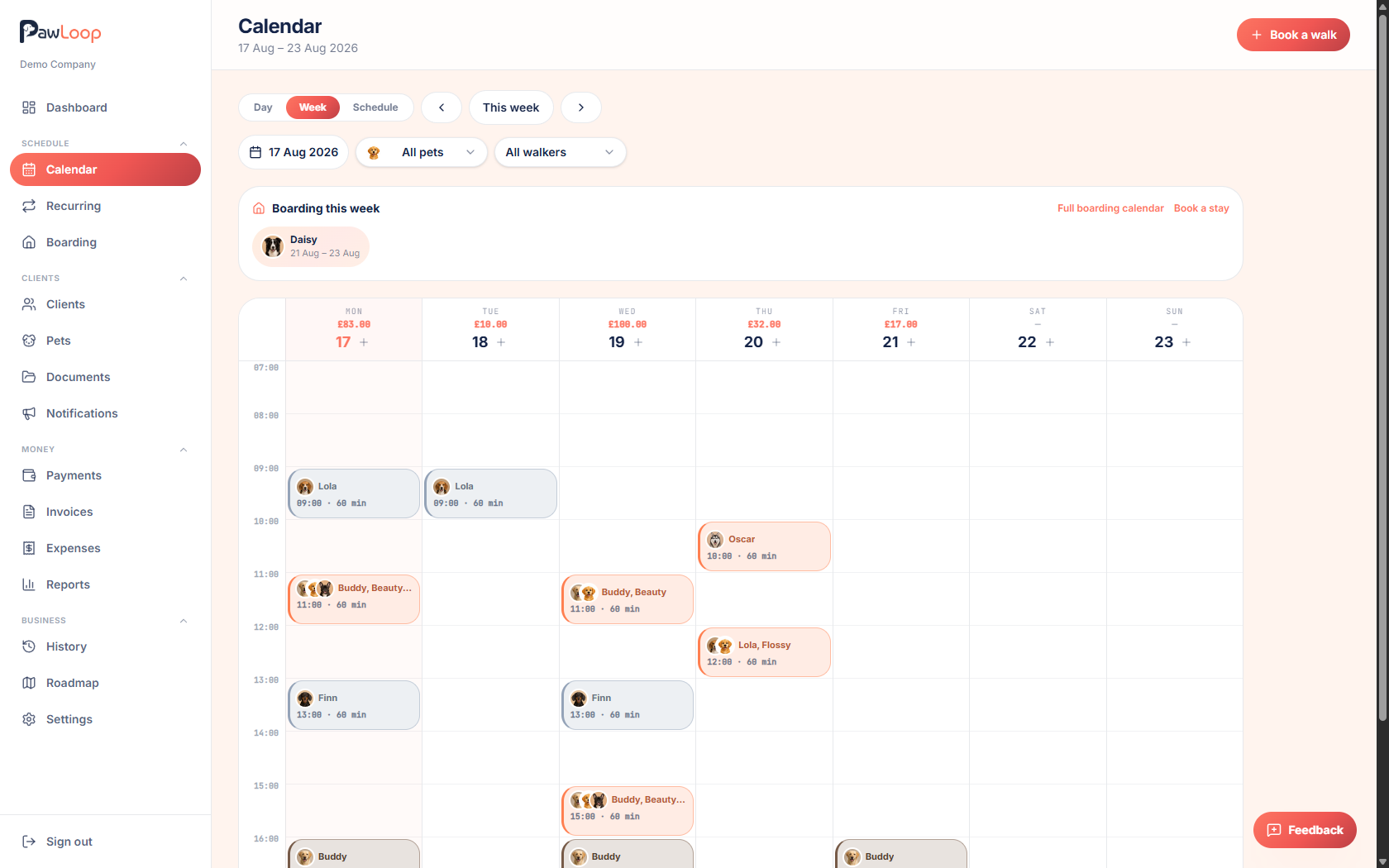
Switch between Day, Week and Schedule views
Use the view switcher at the top to pick Day, Week or Schedule. Day shows one day's agenda in detail, Week shows a full week at a glance, and Schedule lists upcoming walks in a scrollable list, handy on mobile.
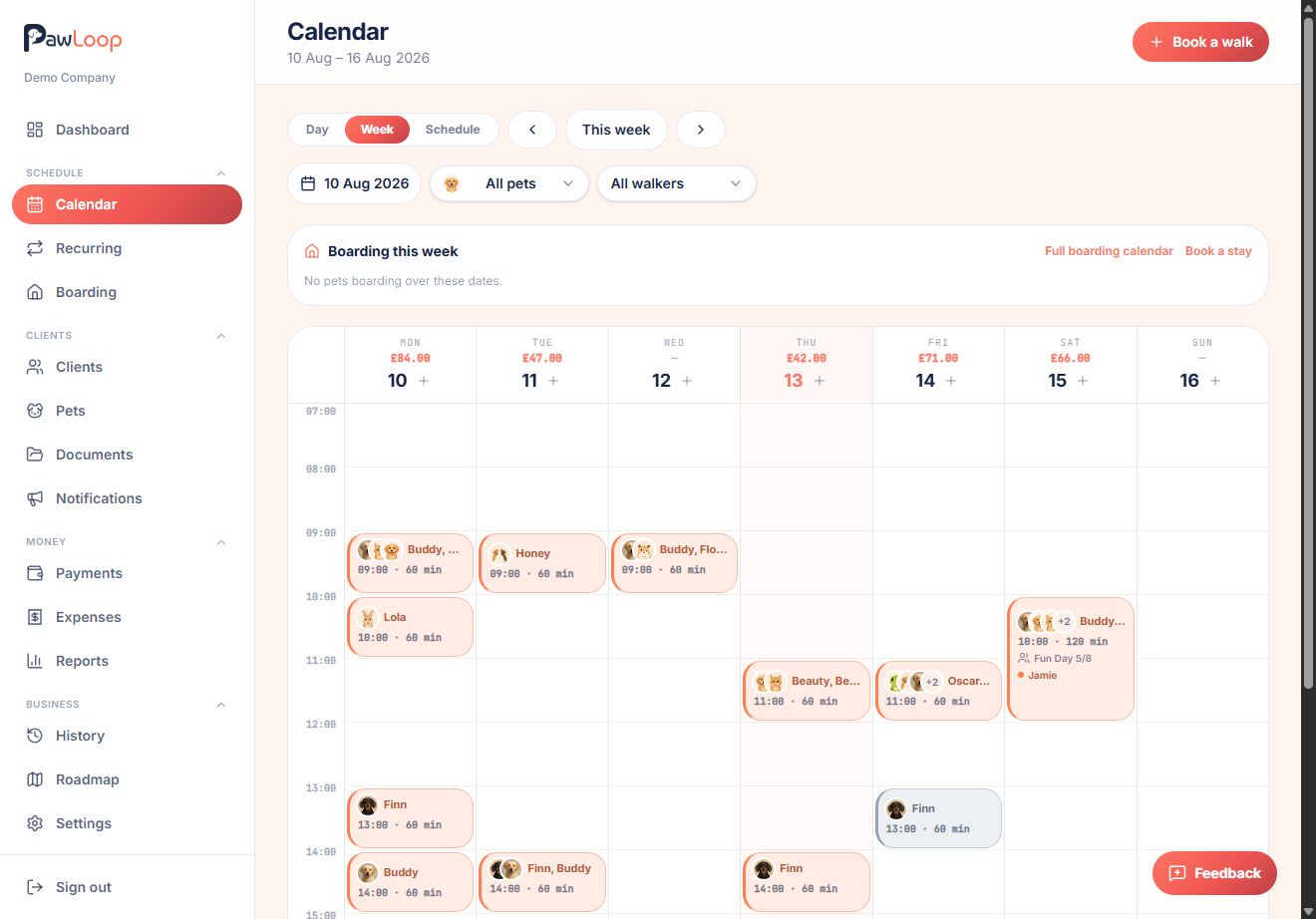
Move between dates
Use the arrow buttons to step backwards or forwards a day or week at a time, or click This week / Today to jump back to now.
Jump straight to a date
Click the date button to open a small calendar picker and jump directly to any date, rather than clicking through day by day.
Filter by pet or team member
Use the pet and team member dropdowns to narrow the calendar down to just one pet or one person's round. Useful for checking a single team member's day or a client's upcoming visits.
Open a walk or stay
Click any walk to open its booking details, or click a boarding bar to open that stay. From there you can edit, cancel, delete, or turn a one-off walk into a recurring loop.
Book directly from an empty slot
Click an empty slot in Day or Week view, or the Book a walk button, to start a new booking pre-filled with that date and time.
Try it yourself
Everything in this guide is included from the free Starter plan upwards. Set up in minutes. No card required.
Create free account. No card required →Frequently asked questions
Related guides
Create your free PawLoop account today.
Sign up in minutes and try every feature free. PawLoop starts with a 14-day free trial. Every feature included and no payment card required to sign up. Choose a plan when your trial ends.
Start free trialNo spam. No card. Just a free pass to try PawLoop.