How to set up your services and prices
Services define what you offer. A 30 minute solo walk, a 60 minute group walk, a day care session or a pet sitting visit, along with the price. Set these up once so booking is fast.
Open your service settings
In the sidebar, go to Settings, choose the Business tab, then the Services sub-tab. This is where your Services list lives.
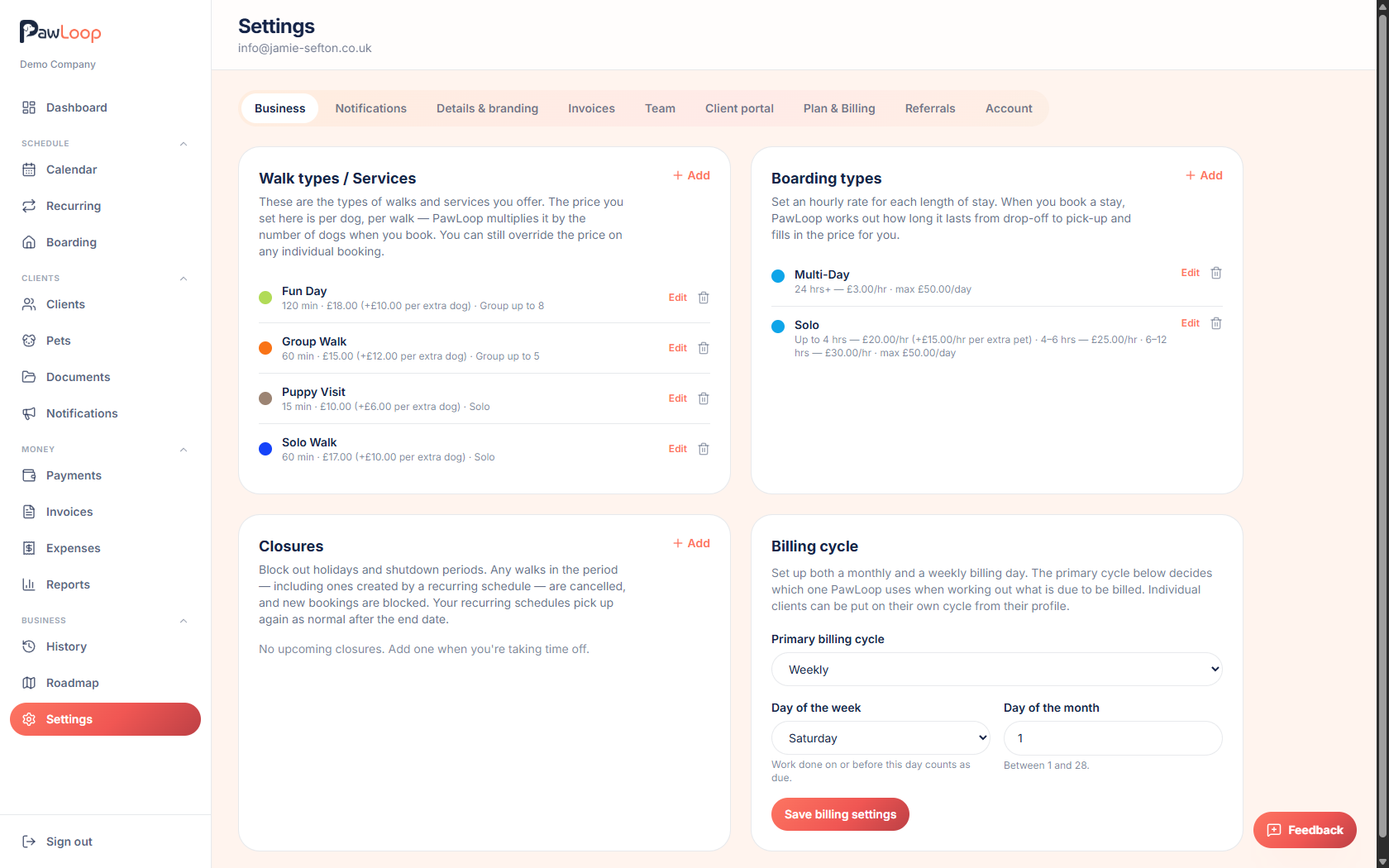
Select Add
In the Services card, select Add. This opens the form for a new service.
Name the service
Give it a clear name, like "60 min group" or "30 min solo", so it is easy to pick when booking.
Choose the service type
Pick what kind of service this is: Walk, Day care, Pet sitting or Other. The type decides how PawLoop words things around the booking and where the service appears.
If you pick Other, you get an extra field to name your own service type, for example "Home visit" or "Puppy training".
Set the duration, price and colour
Set the duration in hours and minutes, and the price in pounds. This price is per pet, per booking, PawLoop multiplies it by the number of pets when you book.
Pick a colour to help this service stand out on your calendar.
- You can still override the price on any individual booking.
Set a price for extra pets from the same household (optional)
If one client books several pets on the same booking, the first pet pays full price. Add a price here for each extra pet from that household, or leave it blank to charge full price for every pet.
Turn on group bookings if needed
Tick "Group service, several pets can share this slot" if pets from different households can share this service, then set the maximum number of pets in the group.
Save the service
Select Save. Your new service appears in the list and is ready to use when booking.
Try it yourself
Everything in this guide is included from the free Starter plan upwards. Set up in minutes. No card required.
Create free account. No card required →Frequently asked questions
Related guides
Create your free PawLoop account today.
Sign up in minutes and try every feature free. PawLoop starts with a 14-day free trial. Every feature included and no payment card required to sign up. Choose a plan when your trial ends.
Start free trialNo spam. No card. Just a free pass to try PawLoop.