How to upload walk photos
Photo Hub is where all your walk photos live. You upload them once, tag the pets that joined you, and choose who can see them. Everything you upload starts private, so nothing reaches a client until you say so.
Open Photo Hub
Go to Photos under Clients in the menu. You'll see everything uploaded so far, grouped by week with the newest first.
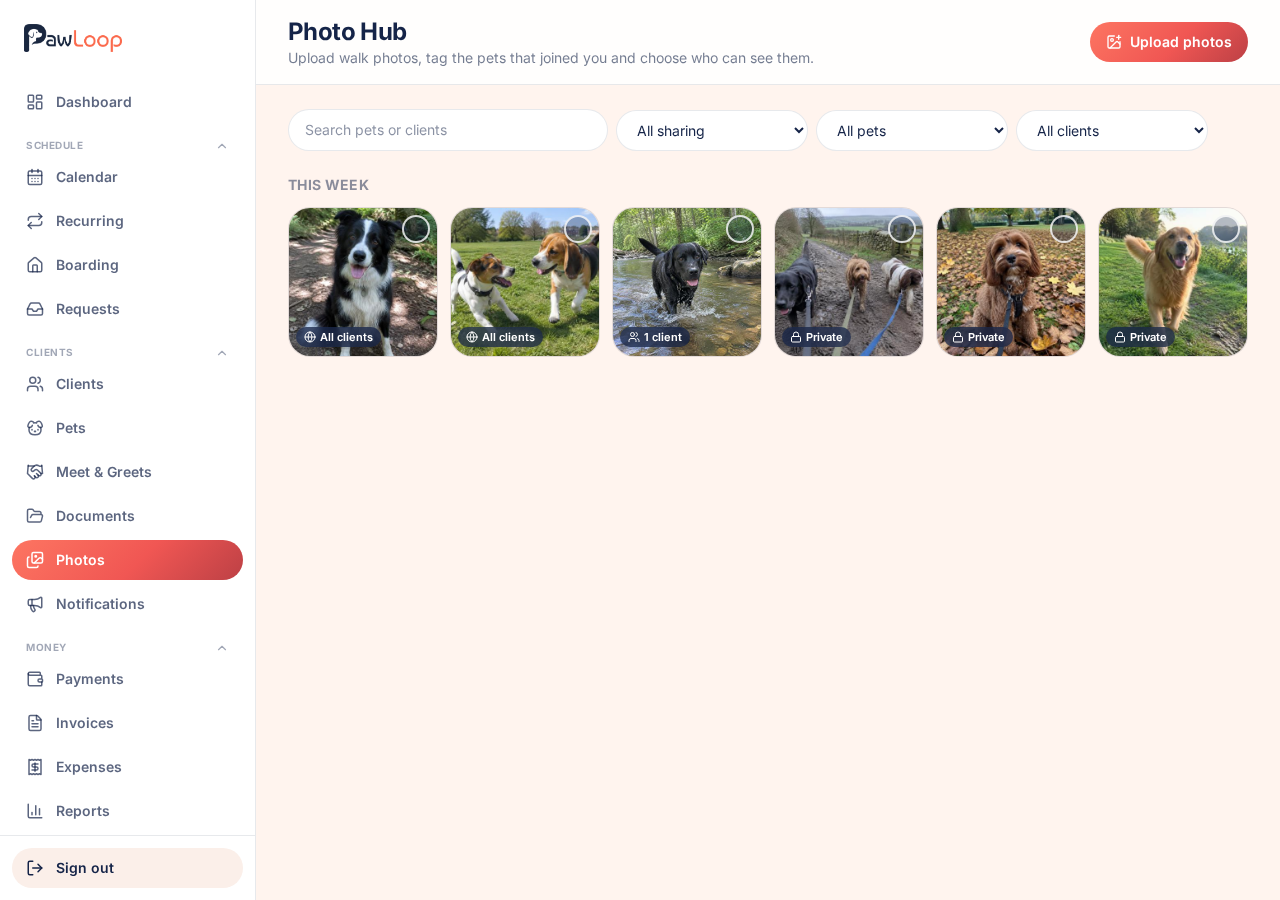
Choose your photos
Tap Upload photos, then drag photos in or pick them from your device. On a phone this opens your camera roll, so you can select everything from today's walk in one go.
JPG, PNG, WEBP and HEIC photos are accepted, up to 100MB each.
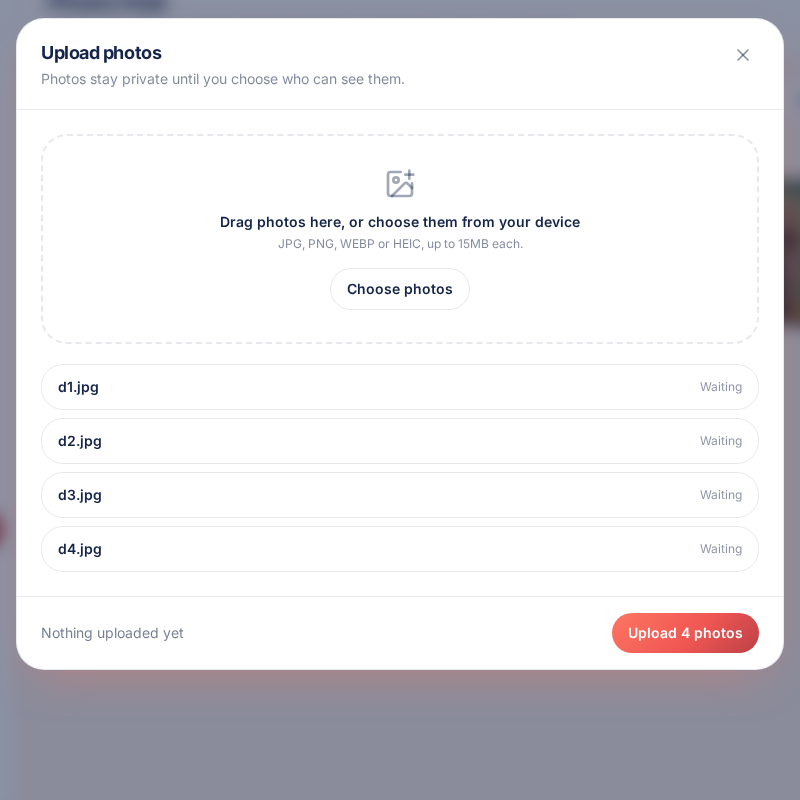
Upload and watch the progress
Each photo shows its own progress and a tick when it's done. If one fails, the rest still upload and you can retry the one that didn't.
When everything is finished, close the panel and your photos appear at the top of the page under this week.
Tag and share while they're fresh
Newly uploaded photos are private. Select the ones from the same walk, tag the dogs that were there, then choose who can see them. It takes a few taps for a whole group walk.
Try it yourself
Everything in this guide is included from the free Starter plan upwards. Set up in minutes. No card required.
Create free account. No card required →Frequently asked questions
Related guides
Create your free PawLoop account today.
Sign up in minutes and try every feature free. PawLoop starts with a 14-day free trial. Every feature included and no payment card required to sign up. Choose a plan when your trial ends.
Start free trialNo spam. No card. Just a free pass to try PawLoop.