How to find, download and delete walk photos
Photo Hub keeps every photo grouped by week, newest first, so today's walk is always at the top. Filters and search help you find an older one quickly, and each photo can be opened, downloaded, retagged or deleted.
Browse by week
Photos are grouped into weeks running Monday to Sunday, with This week at the top. Scroll down and tap Load more to go further back.
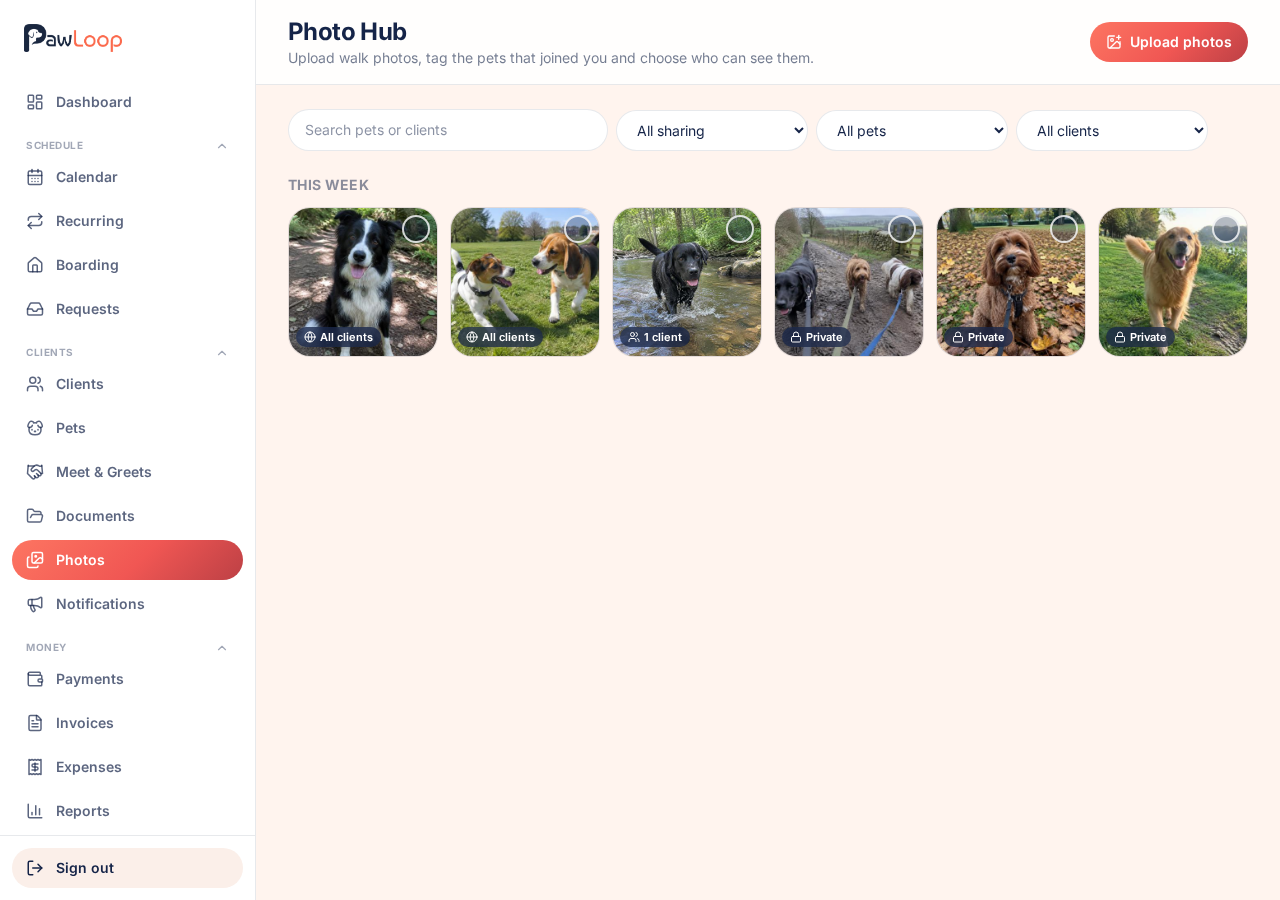
Filter and search
Use the search box to find photos by pet or client name, and the dropdowns to filter by sharing, a single pet or a single client.
Filter by Private to find photos you meant to share and never did. Tap Reset filters to go back to everything.
Open a photo
Tap a photo to see it full size with the date it was taken, the pets tagged in it and who it's shared with. Use the arrows to move through the rest.
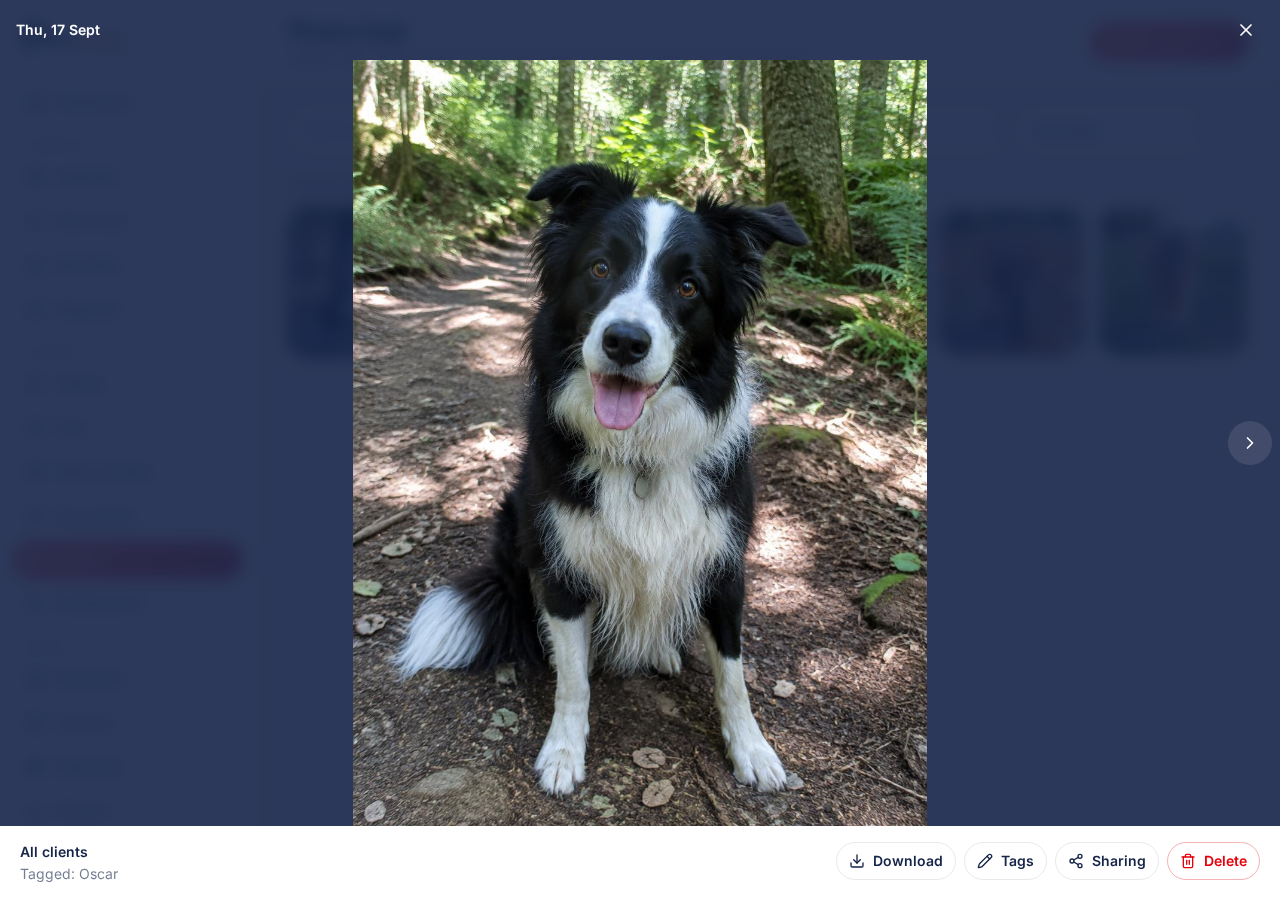
Download a photo
Tap Download in the open photo to save the original to your device. Clients can save their own copies the same way from their portal.
Delete a photo
Tap Delete and confirm. The photo is removed from Photo Hub and is no longer available to any client who could see it.
You can delete several at once by selecting them and using Delete in the bar at the bottom.
Try it yourself
Everything in this guide is included from the free Starter plan upwards. Set up in minutes. No card required.
Create free account. No card required →Frequently asked questions
Related guides
Create your free PawLoop account today.
Sign up in minutes and try every feature free. PawLoop starts with a 14-day free trial. Every feature included and no payment card required to sign up. Choose a plan when your trial ends.
Start free trialNo spam. No card. Just a free pass to try PawLoop.