How to read your reports
Reports gives you seven focused views on how your business is doing, from income and expenses to which clients and services matter most. Here's what each one tells you and how to use them.
Open Reports
Go to Reports in the sidebar. Reports is only available to people with permission to see money in your account.
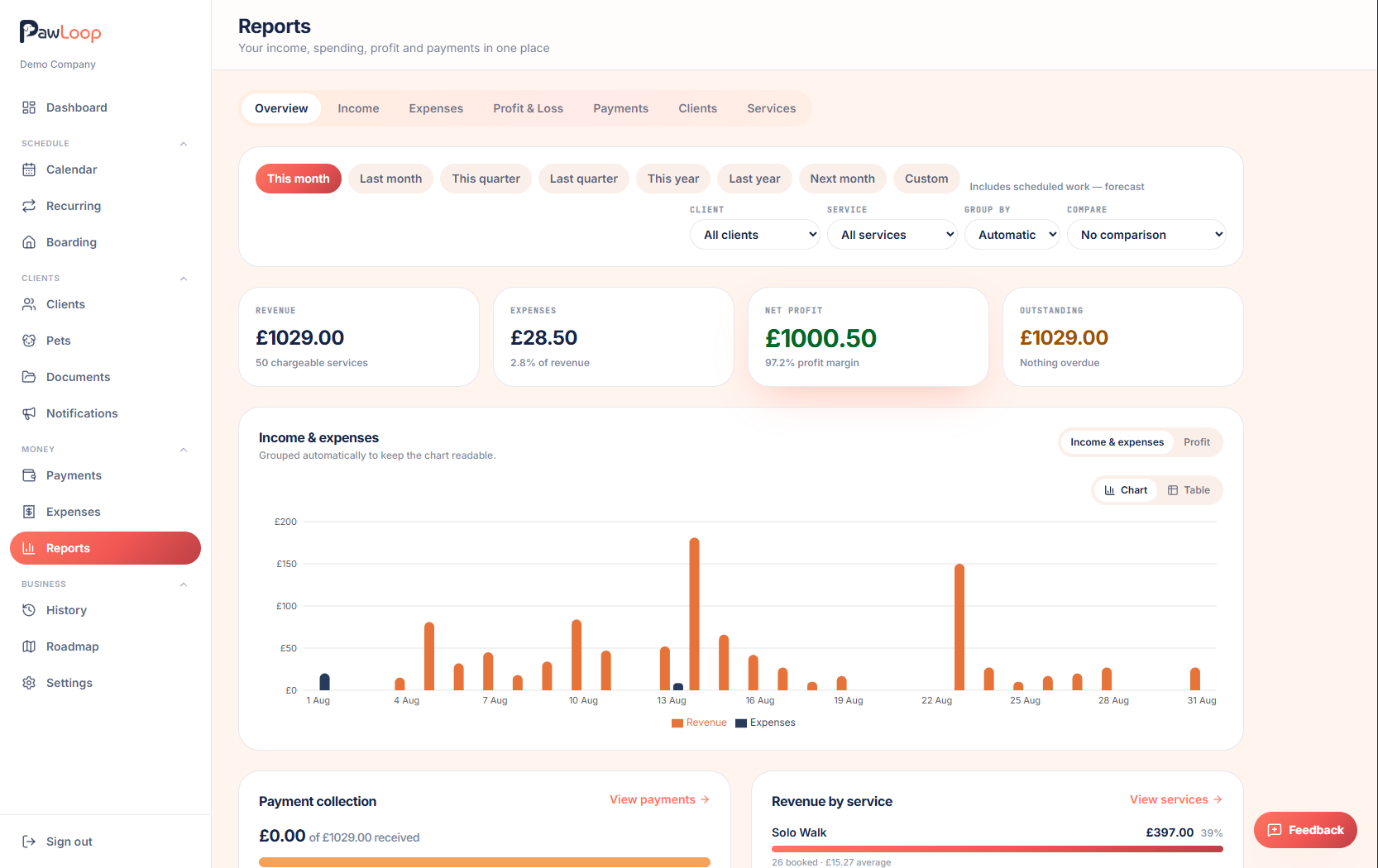
Set your date range and comparison
Use the filter bar at the top to choose a period preset (like This month or This year), or set custom dates. You can also compare against the previous period or the same period last year, and choose the chart granularity.
Start with Overview
The Overview tab gives you a quick summary of income, expenses and profit for the period, with a trend chart you can switch between Income & Expenses and Profit views.
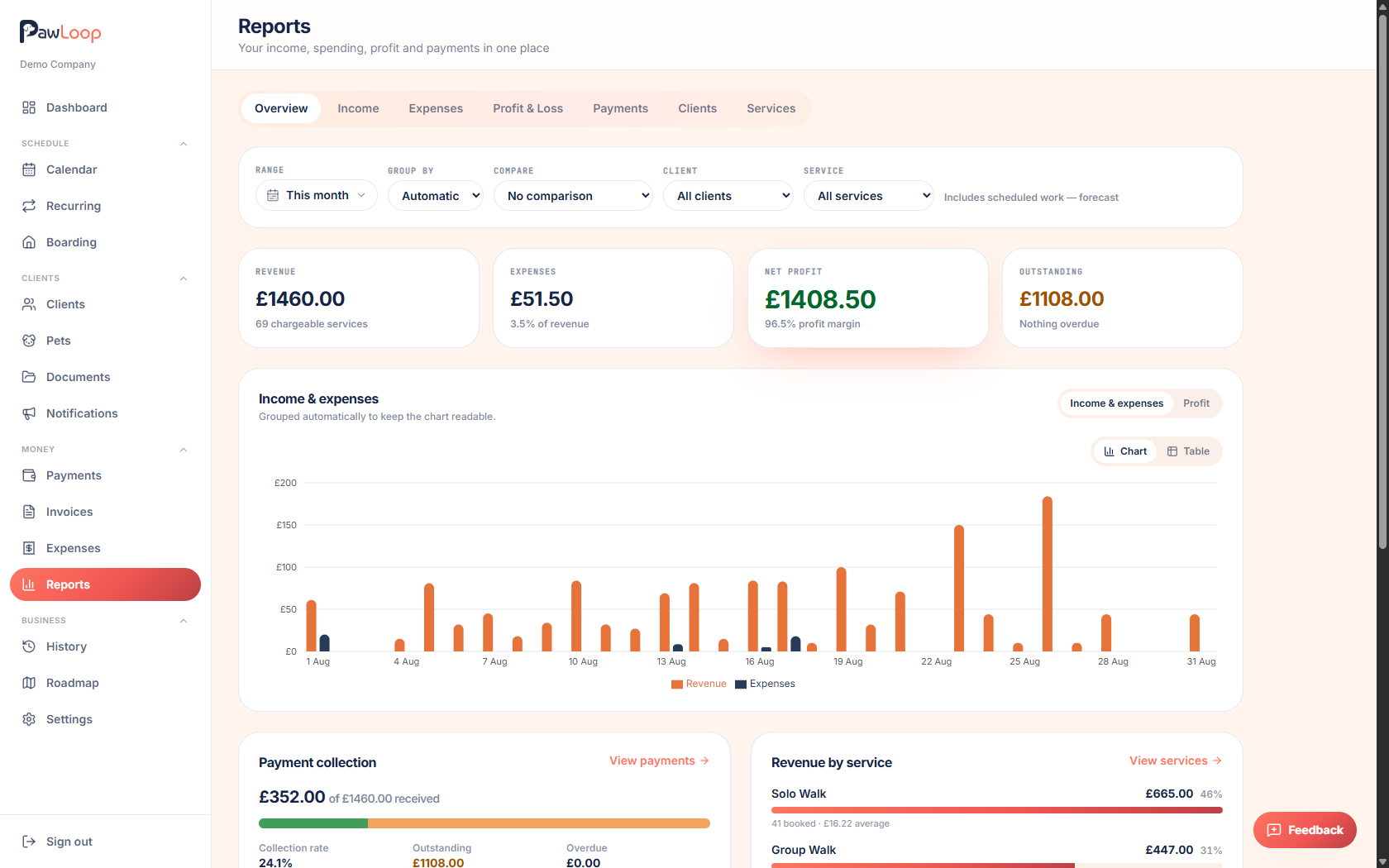
Check the Income tab
The Income tab breaks down what you've earned over the period, so you can see how income is trending and where it's coming from.
Check the Expenses tab
The Expenses tab shows your logged and forecast expenses by category for the period, pulling in both one-off and recurring expenses.
Check Profit & Loss
The Profit & Loss tab puts income and expenses side by side so you can see your actual margin for the period, not just money coming in.
Check Payments
The Payments tab focuses on the state of your invoices and money collected, useful alongside the Payments page for a longer-term view.
Check Clients and Services
The Clients tab shows which clients bring in the most income over the period. The Services tab breaks this down by walk type or service, so you can see what's most profitable.
Use the customer or service filters in the URL-driven filter bar, or click through from other reports, to narrow any report down to a specific client or service.
Try it yourself
Everything in this guide is included from the free Starter plan upwards. Set up in minutes. No card required.
Create free account. No card required →Frequently asked questions
Related guides
Create your free PawLoop account today.
Sign up in minutes and try every feature free. PawLoop starts with a 14-day free trial. Every feature included and no payment card required to sign up. Choose a plan when your trial ends.
Start free trialNo spam. No card. Just a free pass to try PawLoop.