How to log expenses (one-off and recurring)
Logging your expenses in PawLoop means your reports show real profit, not just income. You can log a single purchase or set up a recurring expense that repeats automatically.
Open Expenses
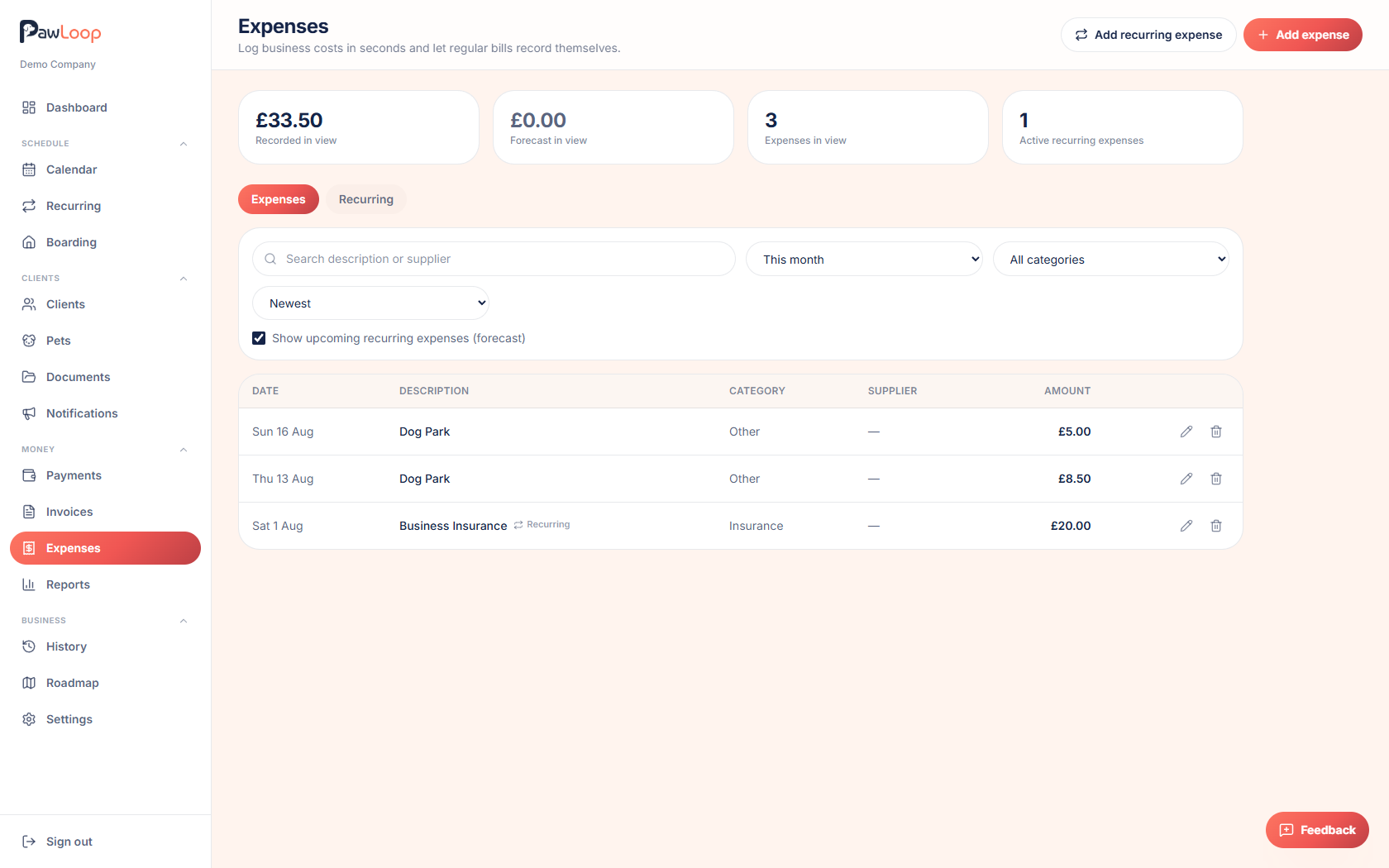
Go to Expenses in the sidebar. You'll see two tabs: Expenses and Recurring.
Log a one-off expense
On the Expenses tab, click the add button (the plus icon) to open the expense form.
Enter the Amount, choose a Category, and set the Date. Description and Supplier / payee are optional but useful for keeping records tidy.
Save the expense
Save the form and it appears straight away in your expenses list, where you can filter by date range, category or search text, and sort by amount or date.
Set up a recurring expense
Switch to the Recurring tab and click the add button. This is for costs that repeat, like insurance, software subscriptions or rent.
Fill in the Amount, Category, Frequency (such as monthly), Description and optional Supplier / payee, then set when it Starts and, if it has an end date, when it Ends.
Let PawLoop forecast future costs
Recurring expenses are projected forward into your expenses list automatically, so you can see upcoming costs before they're actually due, alongside your recorded ones.
Pause, resume or end a recurring expense
From the Recurring tab, use the pause, play or stop actions on a row to pause it temporarily, resume it, or end it altogether. Ending a recurring expense keeps any expenses already recorded from it.
Edit or delete an expense
Click an expense row to edit its details, or use the delete action to remove it. Deleting a recurring expense setup keeps any expenses it has already created.
Try it yourself
Everything in this guide is included from the free Starter plan upwards. Set up in minutes. No card required.
Create free account. No card required →Frequently asked questions
Related guides
Create your free PawLoop account today.
Sign up in minutes and try every feature free. PawLoop starts with a 14-day free trial. Every feature included and no payment card required to sign up. Choose a plan when your trial ends.
Start free trialNo spam. No card. Just a free pass to try PawLoop.