How to record payments and keep track of who owes what
The Payments page is where you keep tabs on money coming in. What's unbilled, what's outstanding, what's upcoming, and what's already been paid. Here's how to record payments as they come in.
Open Payments
Go to Payments in the sidebar. Four stat cards show your Unbilled, Outstanding, Total Paid and Upcoming totals for the selected date range.
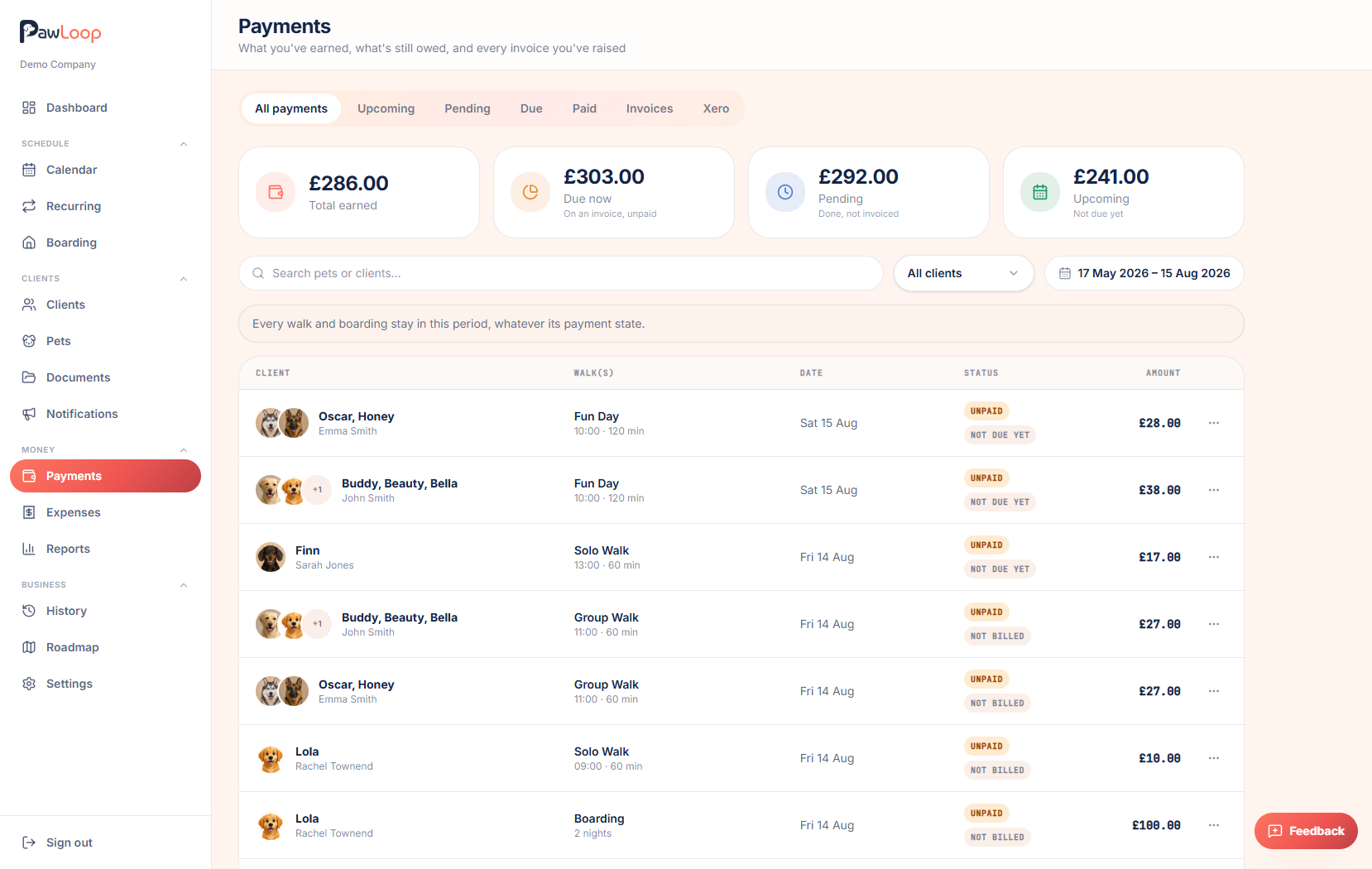
Choose the right view
Click Outstanding to see invoices and services that are on an invoice but still unpaid, including drafts you haven't sent yet.
Under Outstanding, switch between the Invoices and Services views to see either whole invoices or individual walks and stays.
- Tick Overdue only to filter the invoice list down to anything past its due date.
- Use the client filter or search box to find a particular client.
Mark an invoice as paid
Open the menu on an invoice row and choose to mark it as sent or as paid, depending on where it's up to. This updates the invoice status without you needing to open it.
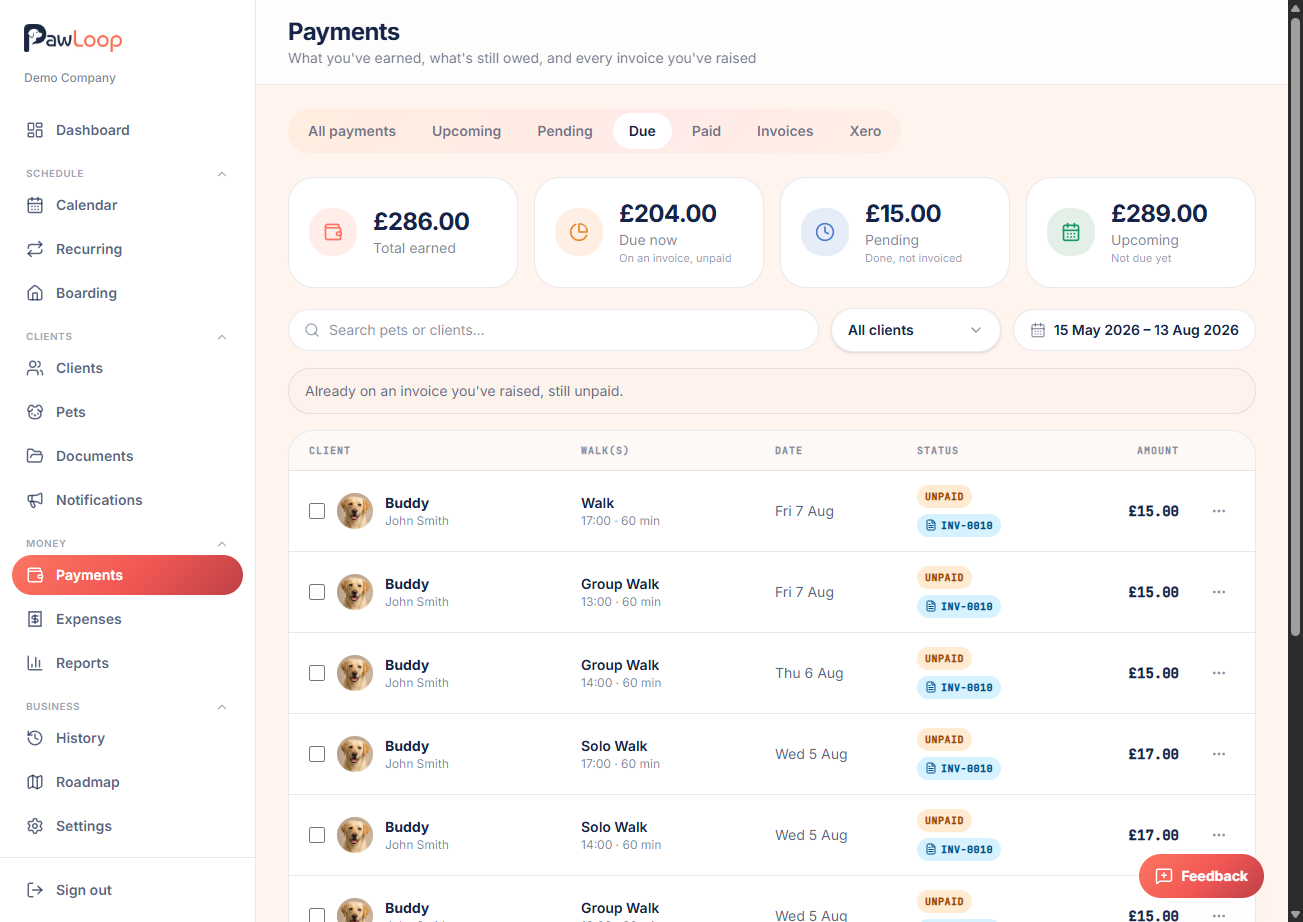
Mark individual walks or stays as paid
Switch to the Services view, select one or more rows using the checkboxes, and mark them as paid. This is useful for cash or card payments you're recording outside of an invoice.
Check what's coming up
Click Upcoming to see work that's booked but not yet due to be billed, based on your billing day. This helps you see what income is on its way.
Review what's already settled
Click Total Paid to see everything that's been settled in the selected period, useful for reconciling against your bank statement.
Adjust the date range if needed
Use the date range picker to widen or narrow the period you're looking at. Useful if you're chasing older unpaid work or reviewing a specific month.
Try it yourself
Everything in this guide is included from the free Starter plan upwards. Set up in minutes. No card required.
Create free account. No card required →Frequently asked questions
Related guides
Create your free PawLoop account today.
Sign up in minutes and try every feature free. PawLoop starts with a 14-day free trial. Every feature included and no payment card required to sign up. Choose a plan when your trial ends.
Start free trialNo spam. No card. Just a free pass to try PawLoop.