How to create a one-off invoice
Most invoices get created together during your usual billing run, but sometimes you need to invoice one client straight away. Here's how to raise a one-off invoice from the Invoices page.
Open Invoices
Go to Invoices in the sidebar.
Click New invoice
Click the New invoice button in the top right. A Choose a client window opens, listing your active clients.
Pick the client
Search for the client by name if you have a lot of clients, then click their name to select them.
Choose what to include
In the invoice screen, tick the walks or boarding stays you want to bill for that client. Items are grouped by month with running totals, and everything currently due is selected by default.
If the work you want isn't showing, click "Include all not due yet" to also bring in work dated after your billing cut-off.
Set the issue and due dates
Check the Issue date and Due date, which default to today and your standard payment terms, and adjust them if this invoice needs different dates.
Add notes if needed
Use the Notes field for anything you want printed on the invoice, such as a description of the work or a personal message.
Create the invoice
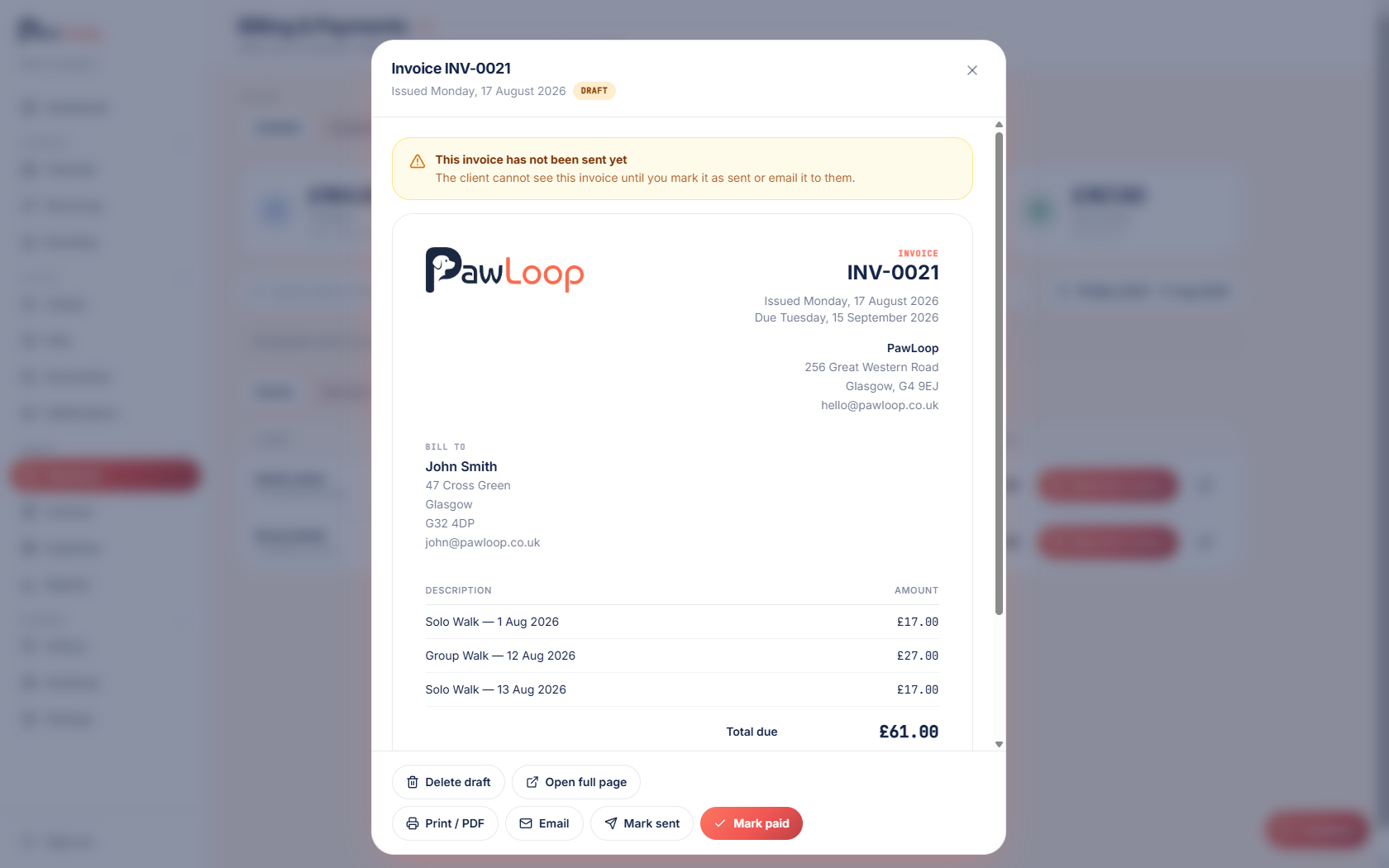
Click Create invoice. You'll see a confirmation and be taken straight to the new invoice, where you can review, send or download it.
Try it yourself
Everything in this guide is included from the free Starter plan upwards. Set up in minutes. No card required.
Create free account. No card required →Frequently asked questions
Related guides
Create your free PawLoop account today.
Sign up in minutes and try every feature free. PawLoop starts with a 14-day free trial. Every feature included and no payment card required to sign up. Choose a plan when your trial ends.
Start free trialNo spam. No card. Just a free pass to try PawLoop.