Reminders & Notifications for dog walkers
The emails that run your day, sent for you.
- Four automated emails for you and your team: daily walk list, weekly revenue, boarding reminder and billing summary.
- You choose whether each one sends and at what time, and can send any of them right now to check.
- Client emails are triggered by what you do: invoices, documents, portal invites and messages.
- Every email sent is logged against the business, so there is a record of what went out and when.
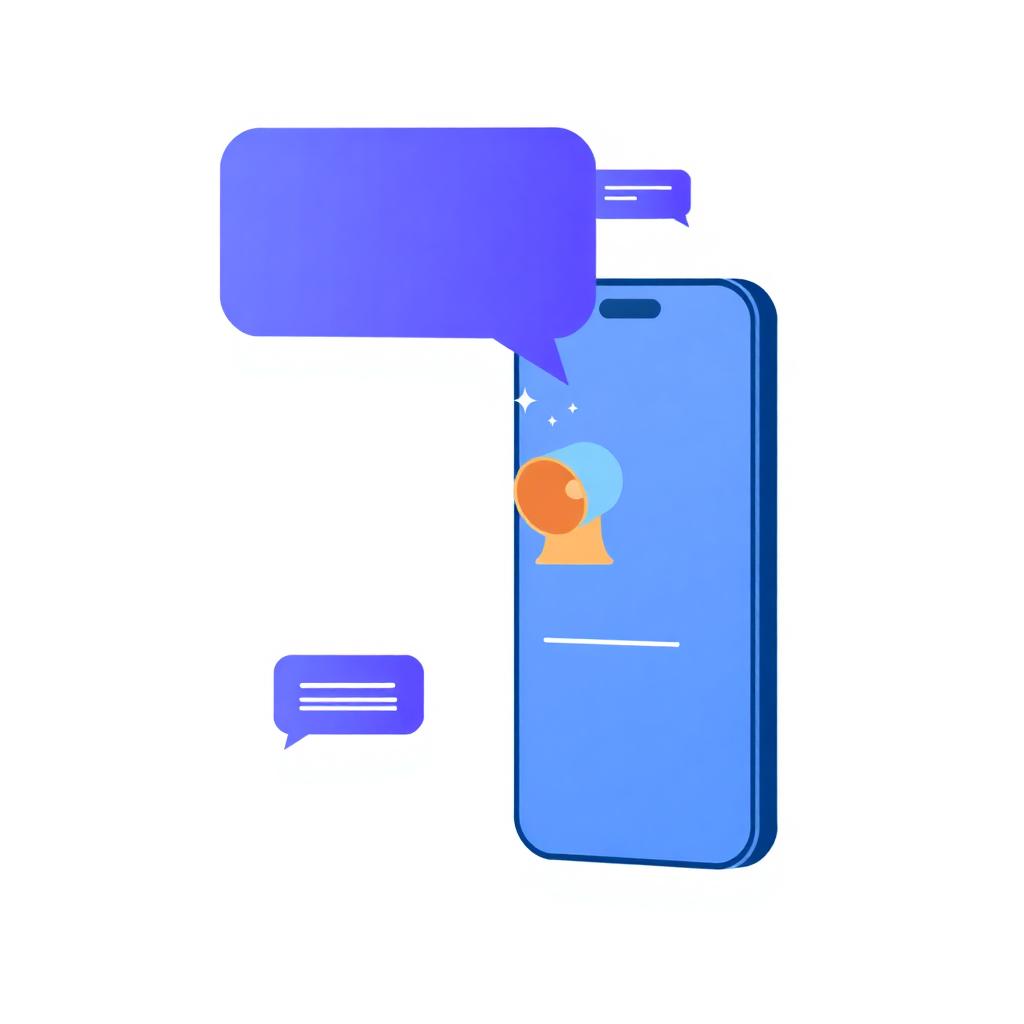
Email in PawLoop splits cleanly in two, and it's worth knowing which is which. The first group is for you and your team: four scheduled emails that you switch on or off and time to suit your day. The daily walk list goes to every walker with their own round, the weekly revenue report summarises the money, the boarding reminder covers stays needing attention, and the billing summary tells you what's ready to invoice.
The second group goes to your clients, and every one of them is triggered by something you did rather than a background job. Send an invoice and the client gets a branded email with a secure link. Share a document, invite someone to the portal, send a client message or send an onboarding form, and the matching email goes out. Automated walk reminders to clients are not sent today, and SMS and WhatsApp automation aren't live either, although you can share an invoice by WhatsApp in a tap. Everything that does send is recorded, so you can always see what went out.
Key takeaways
What Reminders & Notifications does for your business
Your daily walk list
Every morning at a time you set, each walker gets their own timetable for the day with pets, owners and addresses.
Weekly revenue report
On the day and time you choose, a summary of the week's income lands in your inbox so the numbers don't get ignored.
Boarding reminder
A daily nudge covering the stays that need attention, arrivals, departures and care still to do.
Billing summary
Aligned to your billing cycle, a reminder of what's ready to invoice so month-end doesn't creep up on you.
Client emails when they matter
Invoices, shared documents, portal invites, onboarding links and messages you send. All branded, all triggered by an action you took.
Nothing sends behind your back
Scheduled emails have on/off switches and times, and client emails only go out when you do something that sends one.
For you and your team: the daily walk list
Each morning at the time you choose, every active walker with an email address receives their own timetable for the day: their walks in time order, with pets, owners and pickup addresses, and same-time walks grouped together. Settings show you exactly who it goes to and flag any team member missing an email address.
For you: weekly revenue report
Pick a weekday and a time and PawLoop emails a summary of the week's income. It's the small habit that turns take-home pay from a mystery into a number you actually watch.
For you: boarding reminders
A daily email for businesses running overnight stays, covering who is arriving, who is leaving and the care still outstanding. Off entirely if you don't board.
For you: billing summary
Timed around your billing cycle, this tells you what's unbilled and ready to invoice, with the next send date shown in settings so you know exactly when to expect it.
Send now, to check it looks right
Each scheduled email has a send now button so you can trigger it immediately and see exactly what lands in the inbox, rather than waiting until tomorrow morning to find out.
For clients: invoices and payment documents
Sending an invoice emails the client a branded message with your logo, business details, the total and a secure link to view it online. Re-send whenever you need to, or share the same invoice by WhatsApp instead.
For clients: portal invites, documents and messages
Invite a client to the portal and they get a branded email to set up access. Share a document and they're told it's available. Send a client message or a broadcast from the messages page and it lands in their inbox. Onboarding forms are sent the same way, and completed submissions email you back.
New enquiries reach you straight away
When someone submits your public meet & greet request page or completes an onboarding form, you get an email alert with the details, so a new lead doesn't sit unnoticed in the app.
A record of everything sent
Emails are logged with their type, recipient and status, so if a client says they never received an invoice you can check rather than guess.
Reminders & Notifications questions, answered
Create your free PawLoop account today.
Sign up in minutes and try every feature free. PawLoop starts with a 14-day free trial. Every feature included and no payment card required to sign up. Choose a plan when your trial ends.
Start free trialNo spam. No card. Just a free pass to try PawLoop.