Invoicing for dog walkers
Month-end invoices in a couple of minutes.
- Invoices are built from the bookings already in your calendar, with the right pets, services and prices on them.
- Bill weekly or monthly, in arrears or in advance, per client, and see at a glance what is still unbilled.
- Send by email or WhatsApp with your own branding, then track sent, paid and overdue in one place.
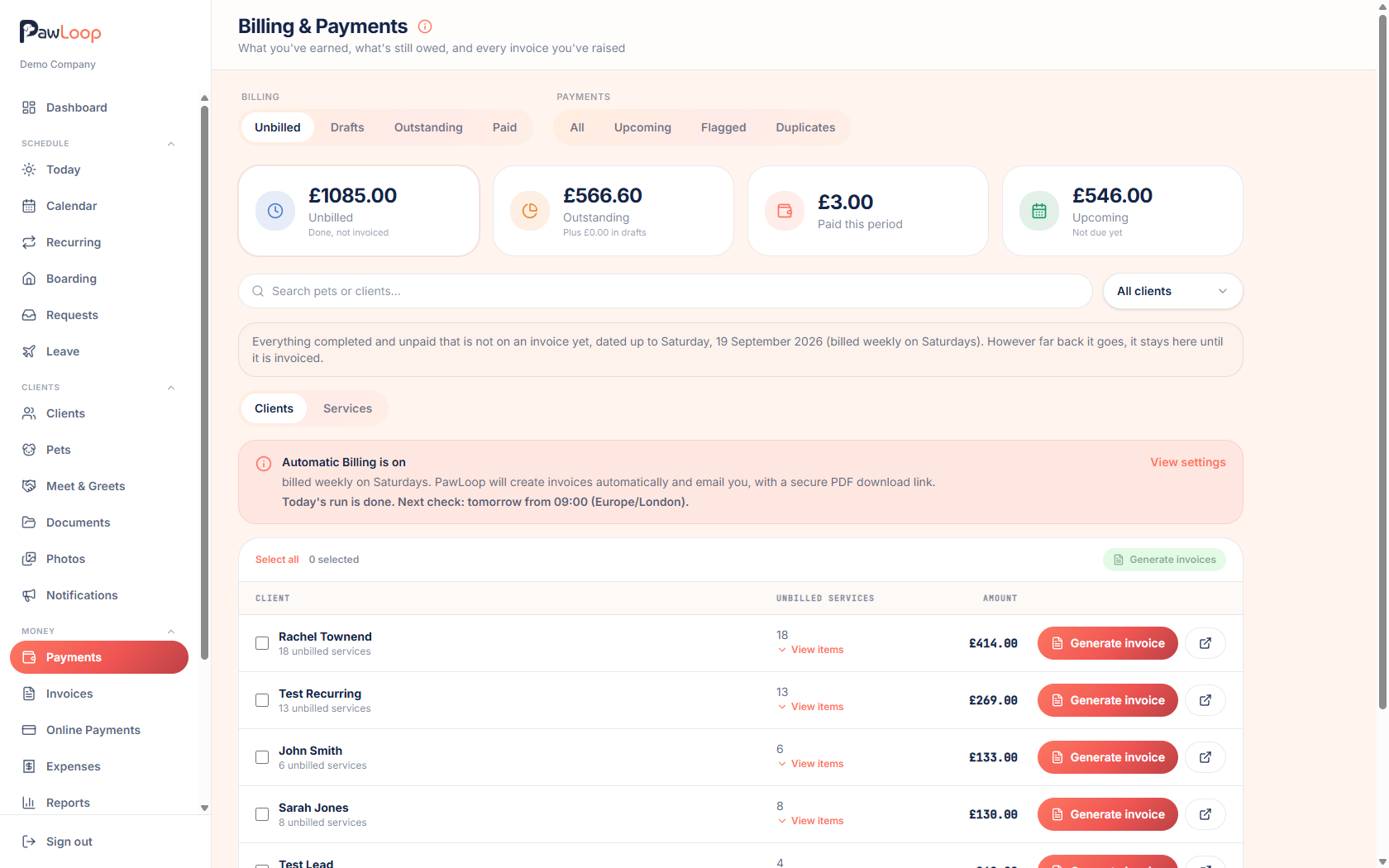
Month-end should not mean an evening with a spreadsheet, a calculator and the nagging feeling that you have missed a Tuesday. PawLoop builds each invoice from the work already recorded: the right pets, the right services, the right per-client prices, so what you send matches what you actually did.
You can generate invoices in bulk for everyone due, or build a one-off invoice with the client picker and free-text lines. Each one carries your logo, business details and payment terms, goes out by email or WhatsApp, and then tracks itself as unpaid, paid or overdue. Client credit from paid cancellations is applied automatically, and the totals flow straight into your reports.
Key takeaways
What Invoicing does for your business
Built from real bookings
Pick a client and a date range and PawLoop pulls in every completed, uninvoiced walk and boarding stay at the right price.
One invoice, one status
Mark the invoice paid and every walk on it flips to paid too. Made a mistake? Unmark it and everything reverts.
Share by email or WhatsApp
Send the branded email as always, or open WhatsApp with a pre-written message and a secure link to view the invoice online. You press send yourself.
Your branding, your details
Set your business name, logo, address and payment details once in settings and every invoice carries them.
Invoices built from your calendar
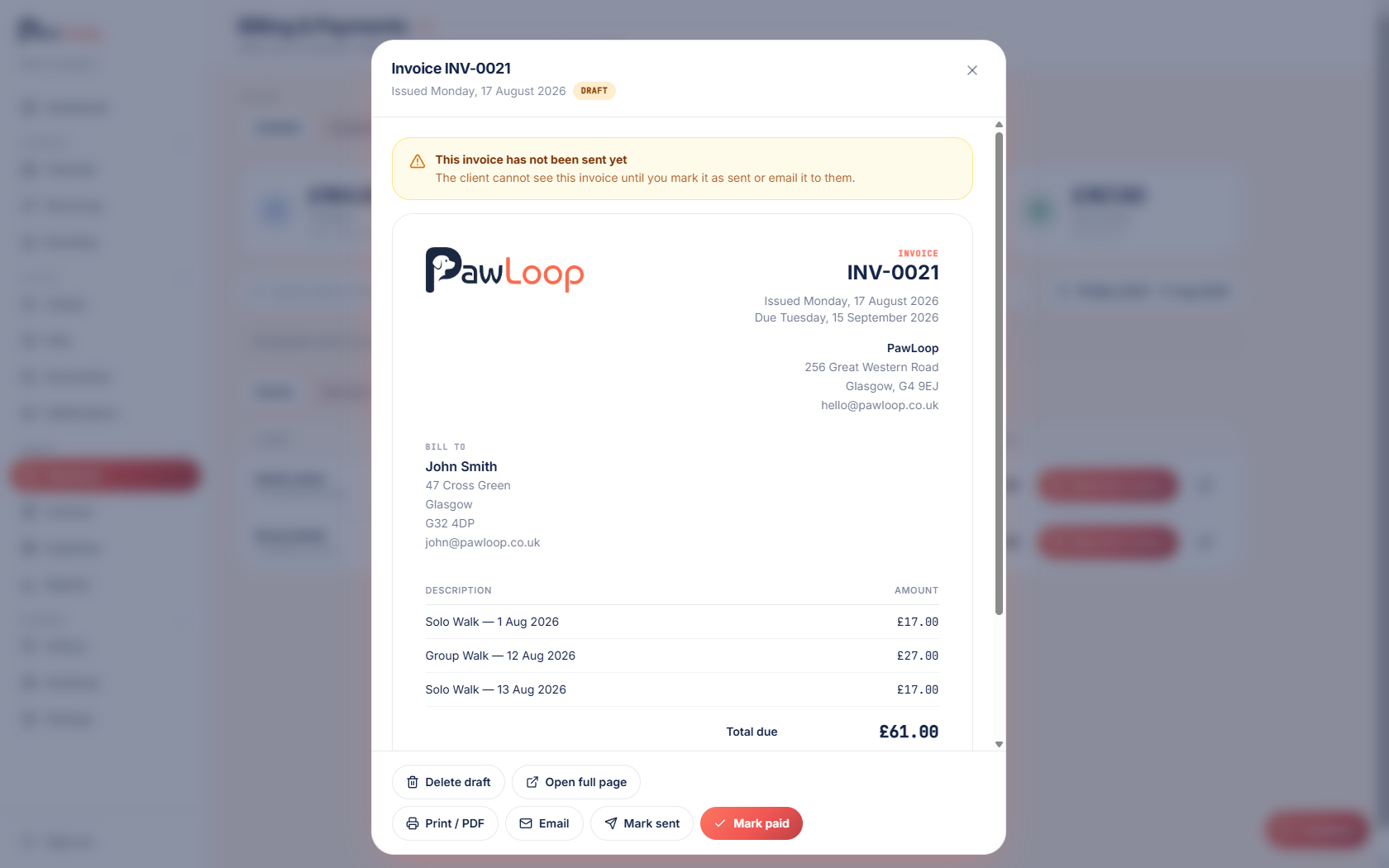
Choose a client and a period. PawLoop lists every completed walk, day care session and boarding stay that hasn't already been invoiced, with the price it was booked at, including per-client rates and additional-pet pricing. Nothing is retyped, so what you send matches what you actually did.
Bill everyone at once, or one client at a time
The billing page shows unbilled, outstanding, paid and upcoming totals across your whole client list. Select all the clients due this month, de-select the two who pay by standing order, and generate the lot in one go. Work is grouped chronologically so you can see exactly which walks are going on each invoice before you commit.
One-off invoices when the work isn't a walk
Start a new invoice, pick the client and add free-text lines with your own description, quantity and price. Useful for a key cutting charge, a late cancellation, a bag of food you picked up or anything else that never appeared on the calendar.
Arrears or advance, on your billing day
Set your billing mode and billing day per business and PawLoop groups the right work into the right period. Bill in arrears for work completed, or in advance for the month ahead, weekly, fortnightly or monthly. You're not forced into someone else's cycle.
Credit applied without you thinking about it
When a client cancels inside your notice period and you've already been paid, the balance becomes client credit. The next invoice you raise for them applies it automatically and shows the adjustment on the invoice, so the awkward conversation never has to happen.
Paid status that stays in sync
Marking an invoice paid marks its walks paid. Marking it unpaid reverses it. Part payments are recorded against the balance. The payments page, the client profile and your reports always agree with each other, which is what makes the numbers trustworthy.
Send invoices where clients actually read them
Send the branded email with your logo and payment details, share the same invoice by WhatsApp with a ready-written message and a secure link, or print a clean copy for a client who still wants paper. Paid invoices print with a PAID stamp, so nobody pays twice.
Search, filter and find any invoice
Filter by status, search by client, and open any invoice with its full line detail. Clients see their own invoices in the portal at any time, along with a summary of anything unpaid, which removes most of the where's my invoice messages.
A record you can hand to an accountant
Every invoice is stored with its line items, dates, numbers and status, and every change is written to the audit log with who made it. That's the digital record Making Tax Digital expects UK sole traders to keep.
Invoicing questions, answered
Create your free PawLoop account today.
Sign up in minutes and try every feature free. PawLoop starts with a 14-day free trial. Every feature included and no payment card required to sign up. Choose a plan when your trial ends.
Start free trialNo spam. No card. Just a free pass to try PawLoop.