Receipt Scanning for dog walkers
Snap the receipt, skip the typing.
- Photograph a receipt or pick a PDF and PawLoop reads the amount, date and supplier for you.
- Check the details, tap save, and the expense is logged with the receipt attached.
- No more glovebox full of paper to sort out at year end.
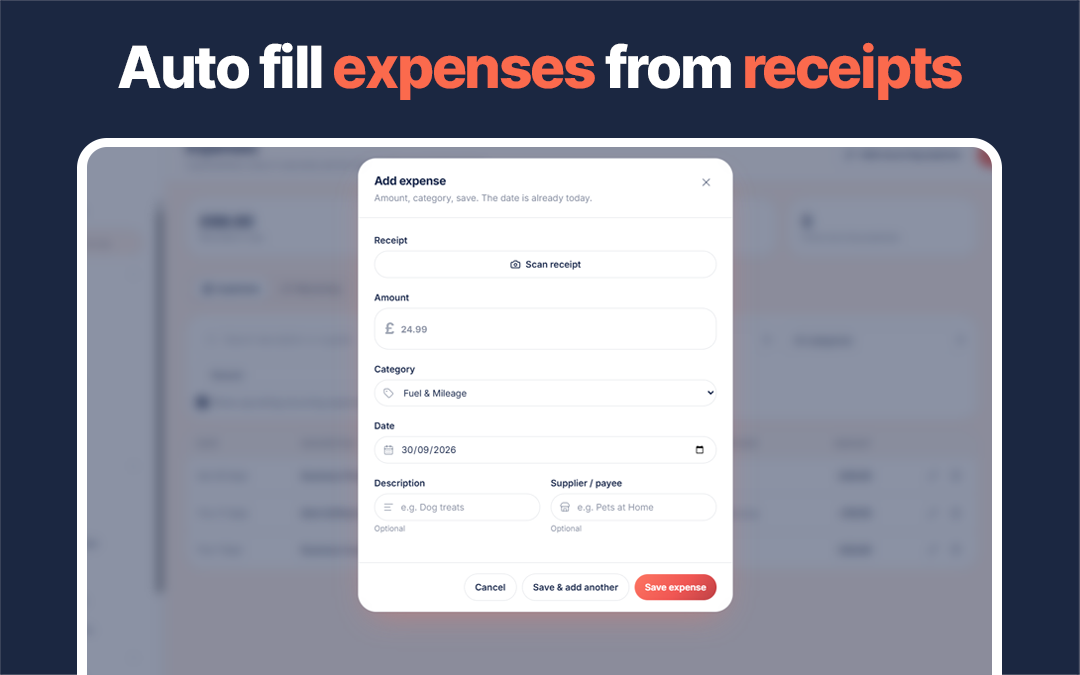
Every dog walker has a pile of crumpled receipts somewhere: fuel, treats, poo bags, kit. Getting them into your records means typing each one in, which is why it so often does not happen.
Receipt scanning shortens the job to a photo. Add an expense, tap Scan receipt and choose a photo or PDF. PawLoop reads the amount, date, supplier and a description, fills in the expense form for you to check, and keeps the receipt attached when you save. If a receipt is faded or crumpled, tap Read it better for a more thorough read that can also suggest a category.
There is nothing to set up. Open Expenses, add an expense and scan. Scanned expenses behave like any other expense, feeding your reports and accounting exports, with the receipt always one tap away.
Key takeaways
What Receipt Scanning does for your business
The typing is done for you
The scanner reads the supplier, date and total from the receipt photo and fills in the expense form. You check it rather than type it.
The receipt stays attached
The photo is stored against the expense, so the evidence is with the record when your accountant or HMRC asks.
Log it before you leave the till
Scanning takes seconds, which means expenses actually get logged on the day instead of reconstructed in January.
Feeds your reports
Scanned expenses are ordinary expenses in every other way, flowing into your reports and accounting exports like any other cost.
Photograph, check, save
Add an expense and tap Scan receipt. Take or choose a photo, or pick a PDF, and PawLoop reads the amount, date, supplier and description into the form. Check the details, pick the category and save. It takes seconds.
A second read for tricky receipts
Faded print, crumpled paper or a dark photo can trip up any scanner. Tap Read it better and PawLoop takes a more thorough look, filling in the details and suggesting one of your expense categories. You always check before saving.
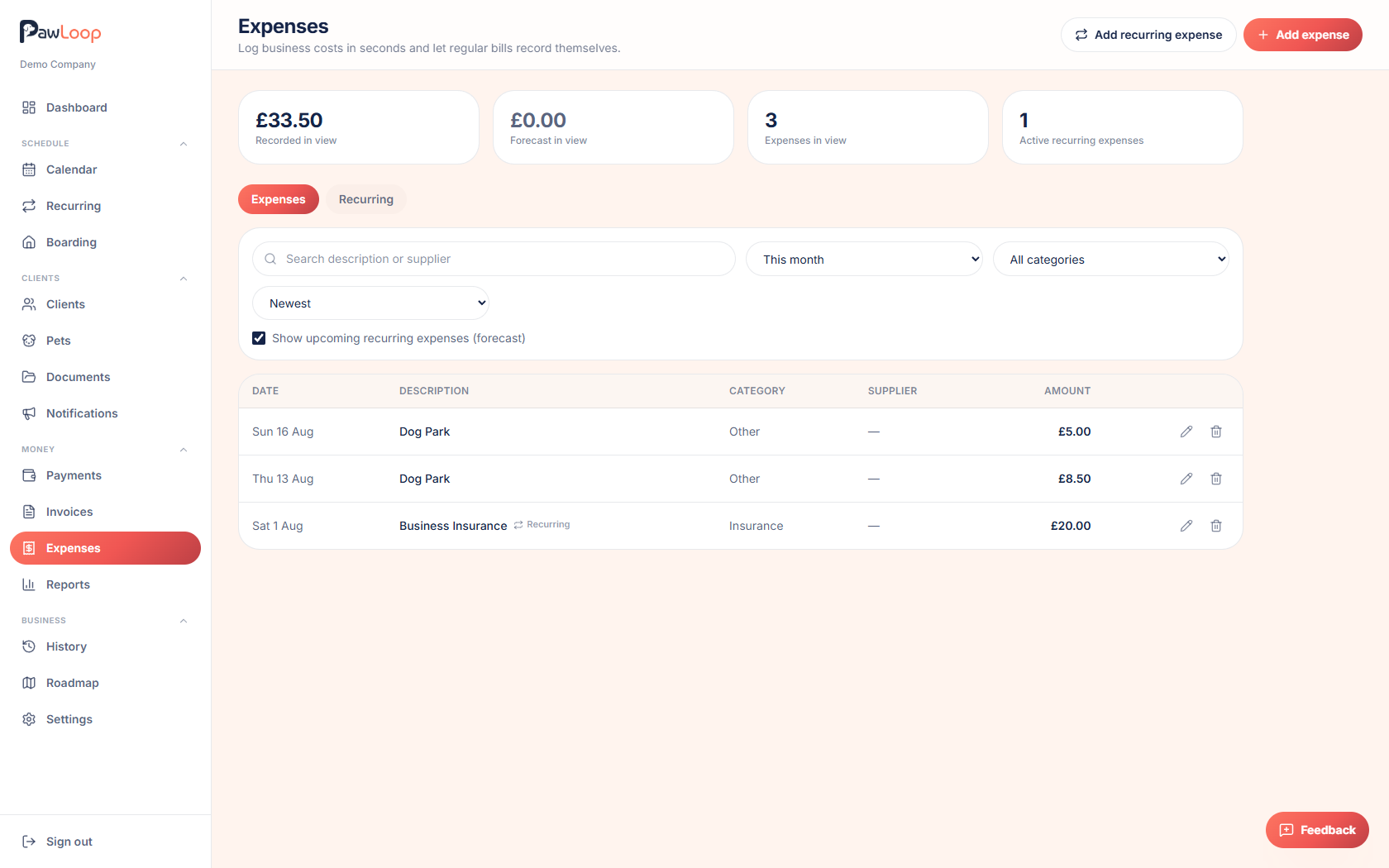
Evidence attached to every cost
The receipt is stored against the expense, so when your accountant or HMRC wants proof, it is already filed next to the figure it supports. Open the expense and view the receipt whenever you need it.
Straight into your reports and exports
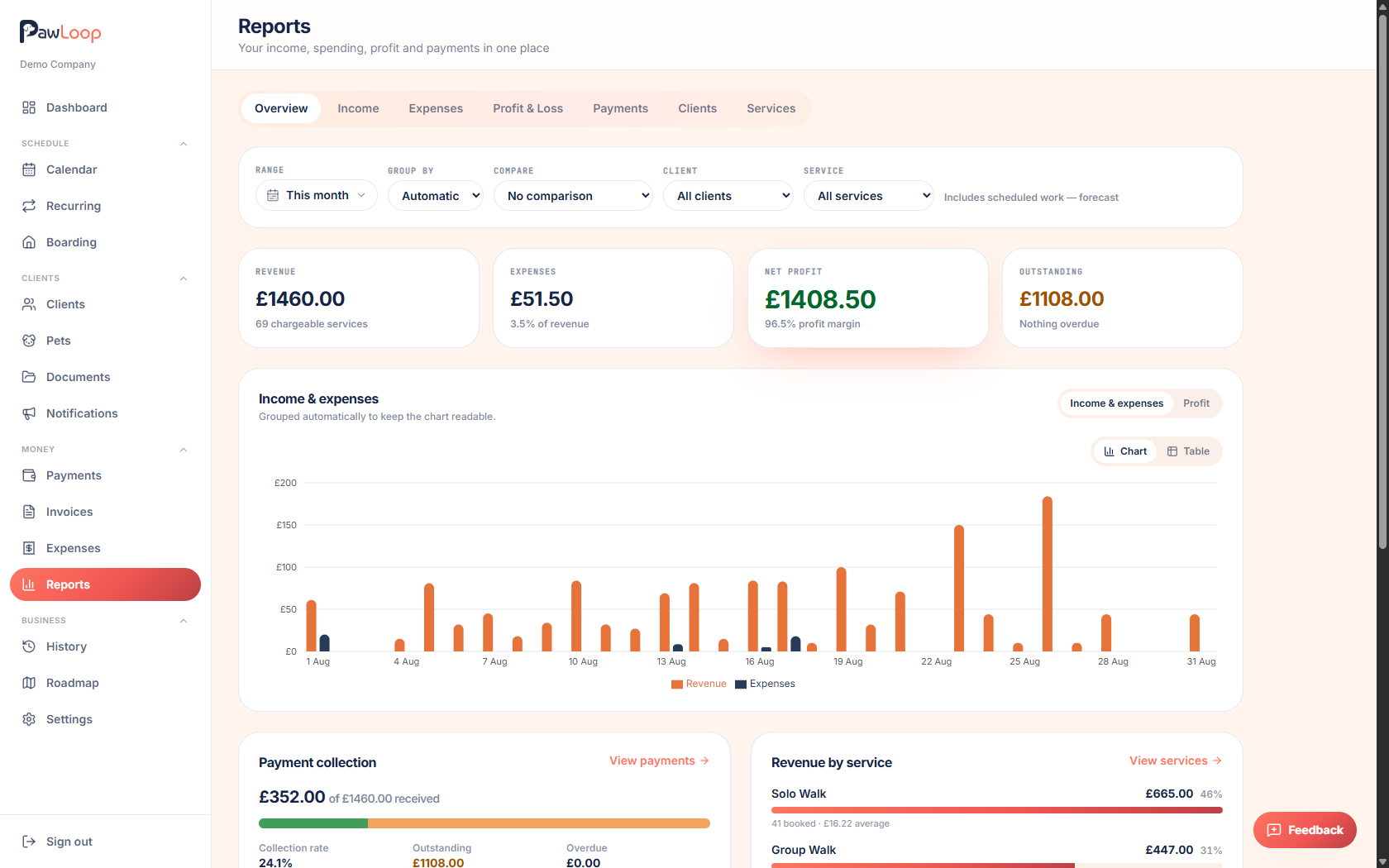
A scanned expense is an ordinary expense, so it flows into your expense and profit reports and into your accounting exports for Xero, QuickBooks, FreeAgent or a CSV. The shoebox of paper at year end becomes figures you already have.
Receipt Scanning questions, answered
Create your free PawLoop account today.
Sign up in minutes and try every feature free. PawLoop starts with a 14-day free trial. Every feature included and no payment card required to sign up. Choose a plan when your trial ends.
Start free trialNo spam. No card. Just a free pass to try PawLoop.