Bulk Client Import for dog walkers
Bring your whole client list across in one go.
- Import clients and their pets from a CSV file instead of typing them in one by one.
- Check every change first with a preview of exactly what will be created or updated.
- Undo in one click if anything is not right, without touching data you have used since.
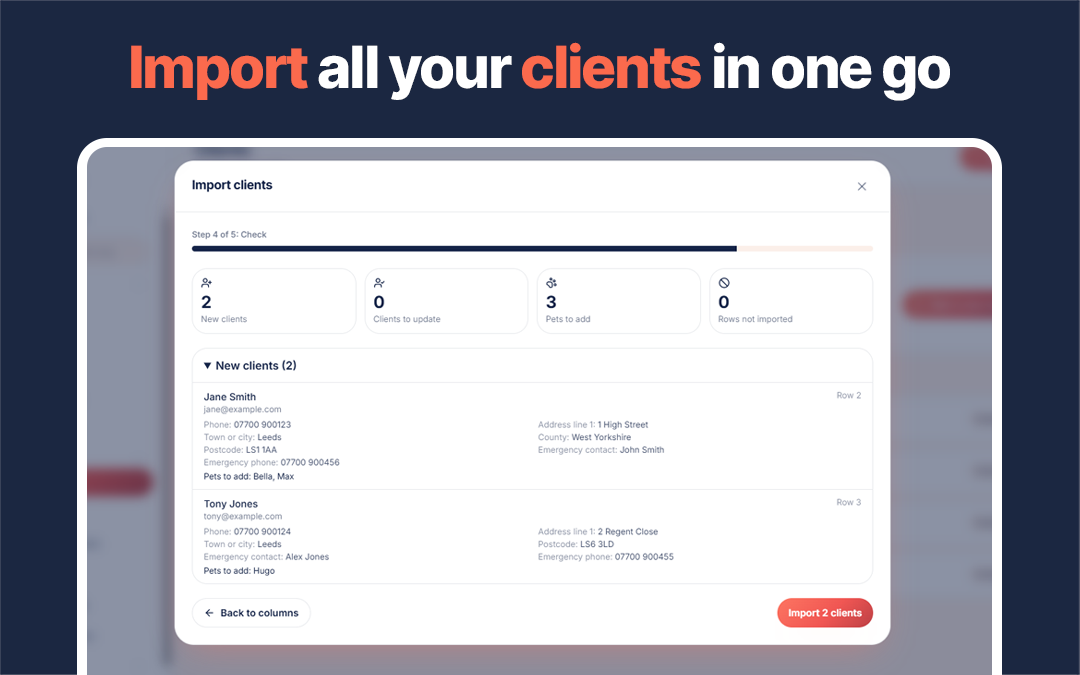
The worst part of switching software is retyping your client list. PawLoop's bulk import takes a CSV file of your clients and their pets and brings the whole list across in one go.
Before anything is saved, you see a preview of exactly what will happen to every row: new clients, existing clients that will be updated, rows with nothing to change, and rows that will be skipped and why. Every change the import makes is logged, and if the result is not what you expected, one click undoes it. Undo is careful by design. It only reverts records you have not used or edited since, so it never deletes work done after the import or overwrites later changes.
To get started, open Clients, choose Import, and download the template. Fill it in or paste your existing list into it, upload it, check the preview and confirm.

Key takeaways
What Bulk Client Import does for your business
Clients and pets together
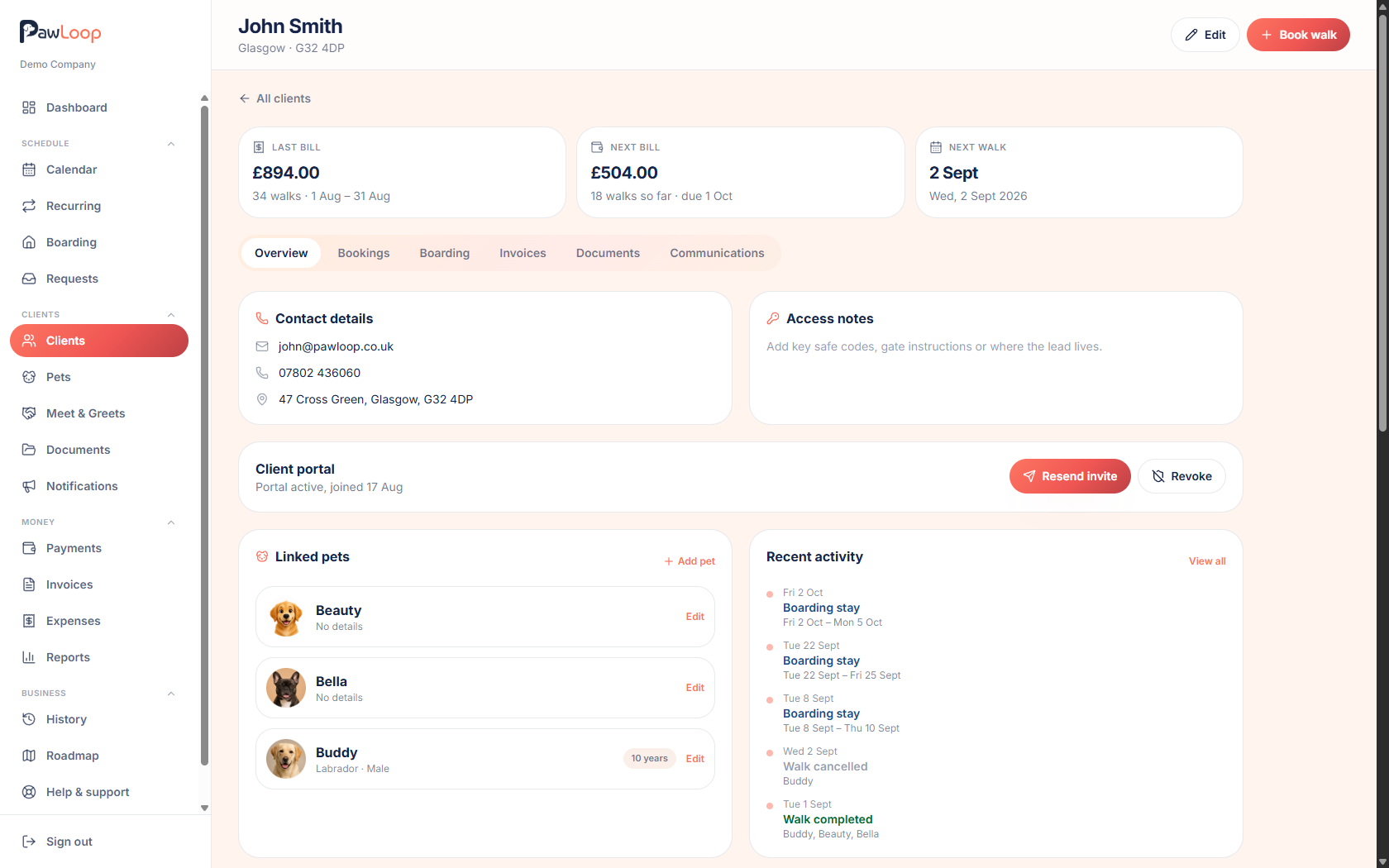
Each row brings the household details and the pets with it, so a client's dogs arrive attached to the right record.
Preview before anything is saved
The import shows you every client and pet it will create or update before you confirm, so there are no surprises.
One-click undo
Every change the import makes is logged, and undo reverts exactly those changes. Anything you have used or edited since is left alone.
Updates as well as creates
Clients are matched by email, so running an import again updates them rather than creating duplicates.
From spreadsheet to client list
Download the CSV template, fill it in or copy your existing list into it, and upload it. Each row is a client with their name, email, phone, address, emergency contact and pets. List several pet names in one cell and a client with three dogs arrives as one client with three dogs.
Check every row first
Nothing is saved until you have seen the full preview. Each row is marked as new, update, unchanged or skipped, with the exact fields that will change and the pets that will be added. Rows with a missing first name, an invalid email or an email already used earlier in the file are skipped, and the preview tells you so.
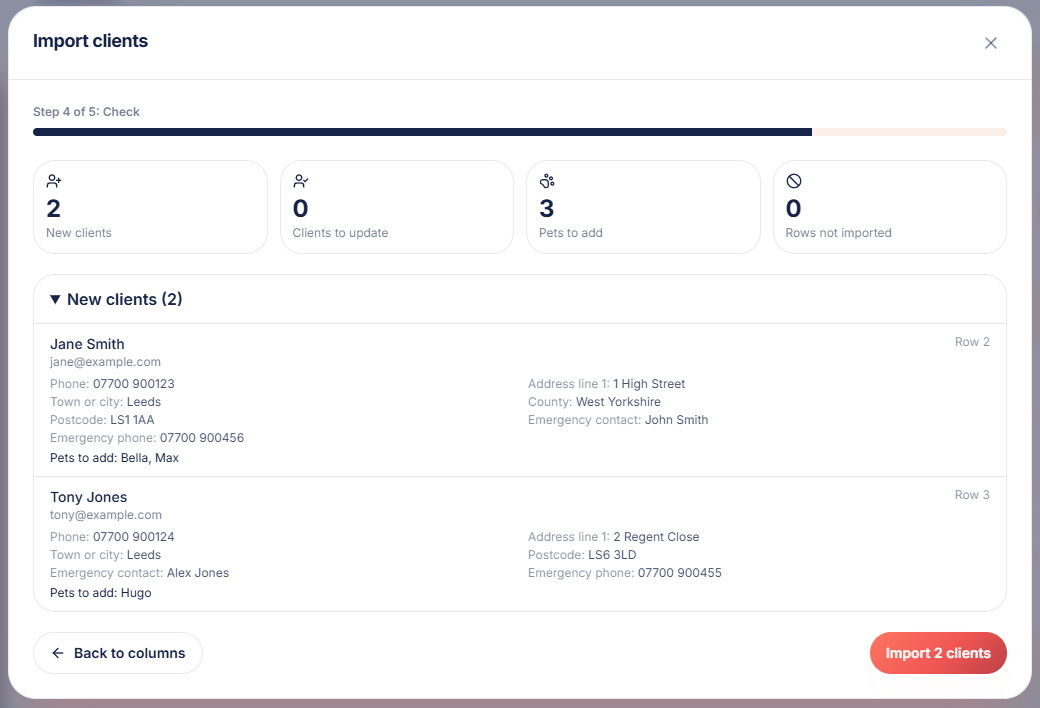
Undo without collateral damage
Every import is listed under past imports with what it changed. Undo removes the clients and pets it created, unless they now have bookings, invoices or other records, and restores updated fields only if nobody has edited them since. Later work is never touched.
Run it again safely
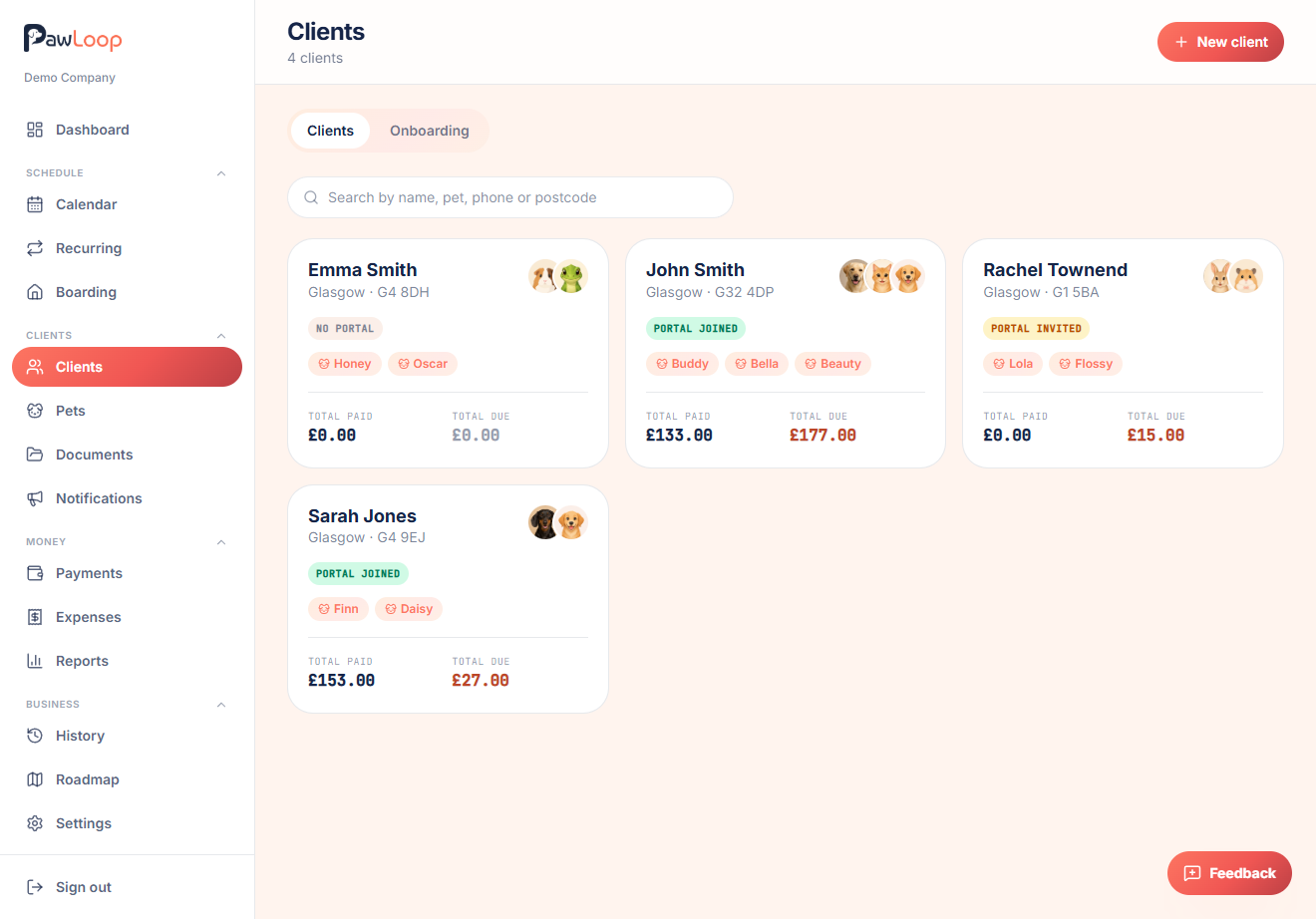
Existing clients are matched by email address, so importing again with fresher details updates them instead of creating duplicates. Blank cells never wipe existing details, and pets that already exist on a client are not added twice.
Bulk Client Import questions, answered
Create your free PawLoop account today.
Sign up in minutes and try every feature free. PawLoop starts with a 14-day free trial. Every feature included and no payment card required to sign up. Choose a plan when your trial ends.
Start free trialNo spam. No card. Just a free pass to try PawLoop.