Add-ons for dog walkers
Fixed-fee extras on any booking or stay.
- Create extras like pick-up, towel dry or medication, each with its own flat fee.
- Add as many as you like to a booking or boarding stay and the total updates itself.
- Each add-on appears as its own indented line on the invoice, so clients see exactly what they paid for.
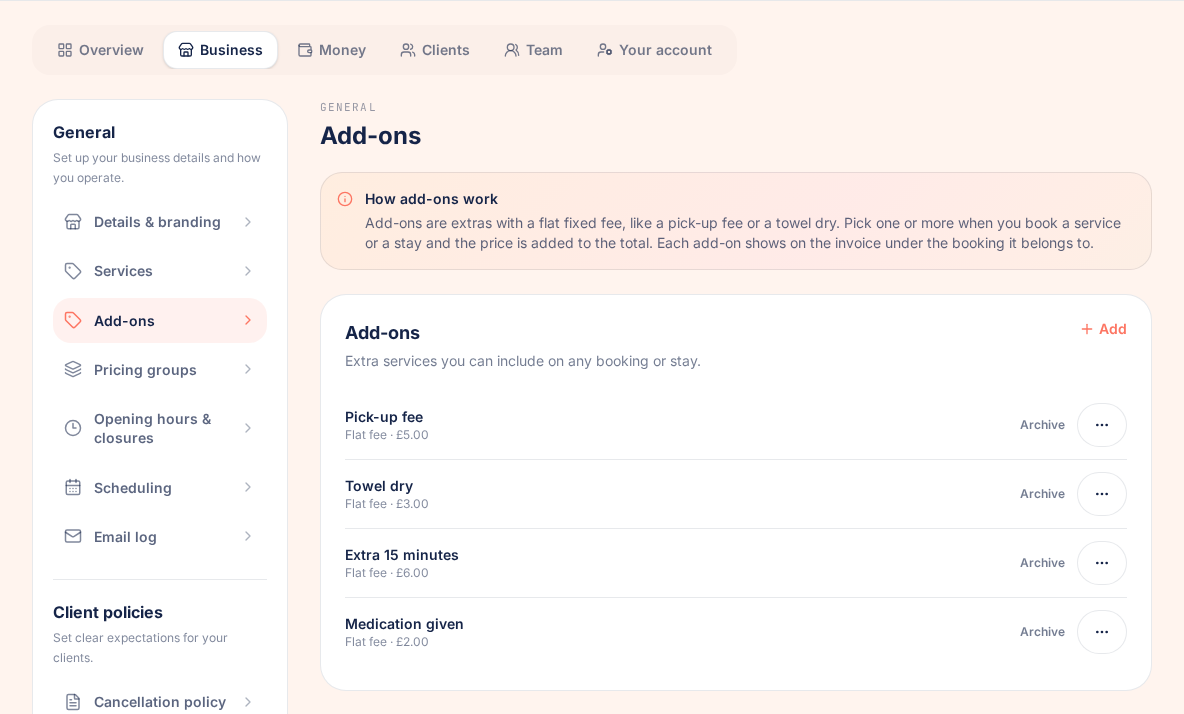
Not every visit is just the walk. Pick-up and drop-off, a towel dry after a muddy one, giving medication, an extra fifteen minutes: these are the little jobs that quietly go unbilled when your prices only cover the walk itself.
Add-ons fix that. You set each extra up once in your business settings, with a name and a flat fee, and it sits under the service on every booking and boarding stay form. Tap the ones that apply, as many as you like, and the booking total updates as you go. When the work is invoiced, each add-on appears as its own indented line under the booking, so clients see exactly what they are paying for.
Setup takes a couple of minutes. Open Settings, go to Business, then Add-ons, and add your extras. Nothing else about your bookings, reports or payments changes, because add-on fees are simply part of the booking's normal total.

Key takeaways
What Add-ons does for your business
Priced once, used everywhere
Set up each add-on with a name and a flat fee in your business settings, right next to your services. It is then available on every booking and boarding stay.
Works on walks and boarding
Add-ons attach to ordinary service bookings and to boarding stays, so the extras are charged the same way whatever the work.
No limit, no maths
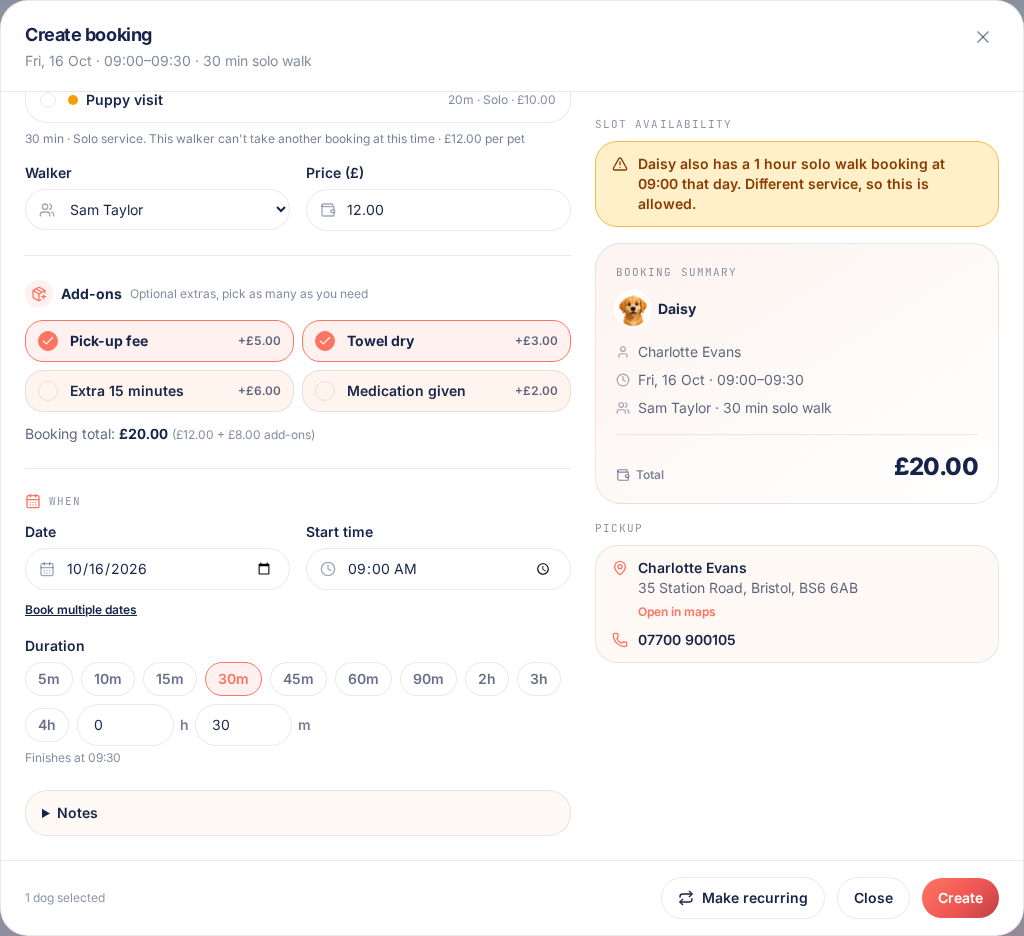
Tap an add-on to add it, tap again to take it off. The booking total recalculates as you go, so there is nothing to add up in your head.
Itemised on the invoice
Each add-on gets its own slightly indented line under the booking on the invoice, the client link, the portal, the PDF and the email. Totals and VAT work exactly as before.
Set them up once
Add-ons live in Settings under Business, just under Services. Give each one a name and a flat fee, and it is ready to use on every booking and stay. Archive one when you stop offering it and restore it later if it comes back. Archived add-ons stay on any booking that already uses them.
Tap them onto any booking or stay
On the booking and boarding forms, your add-ons sit in their own section under the service. Tap to add one, tap again to remove it, and pick as many as apply. The total updates immediately, so the price you agree is the price that gets billed.
Clear on the invoice
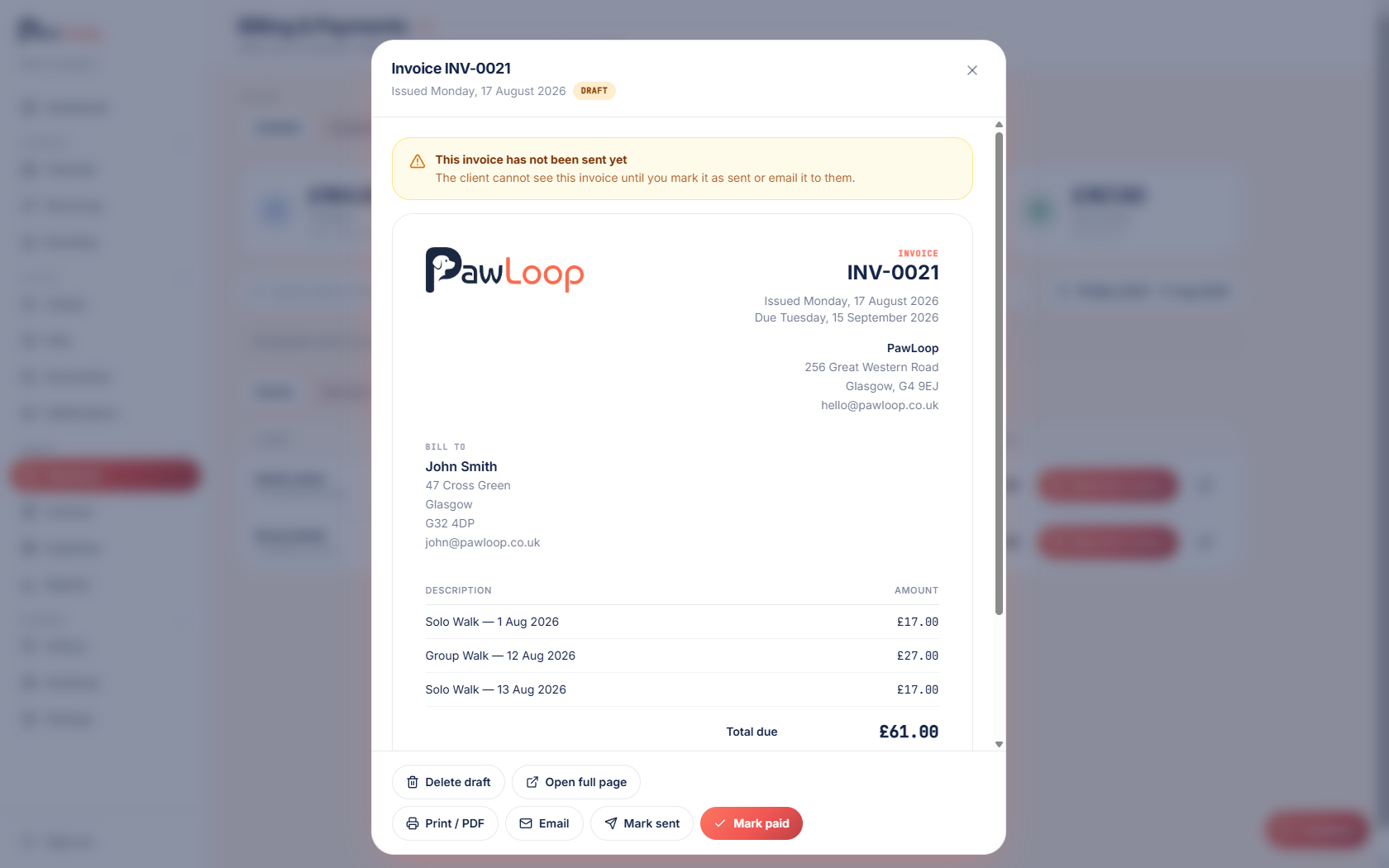
Each add-on gets its own line, slightly indented under the booking it belongs to. It shows the same way on the invoice page, the client payment link, the client portal, the PDF and the invoice email, so there is no confusion about what the extras cost.
Prices are locked when you book
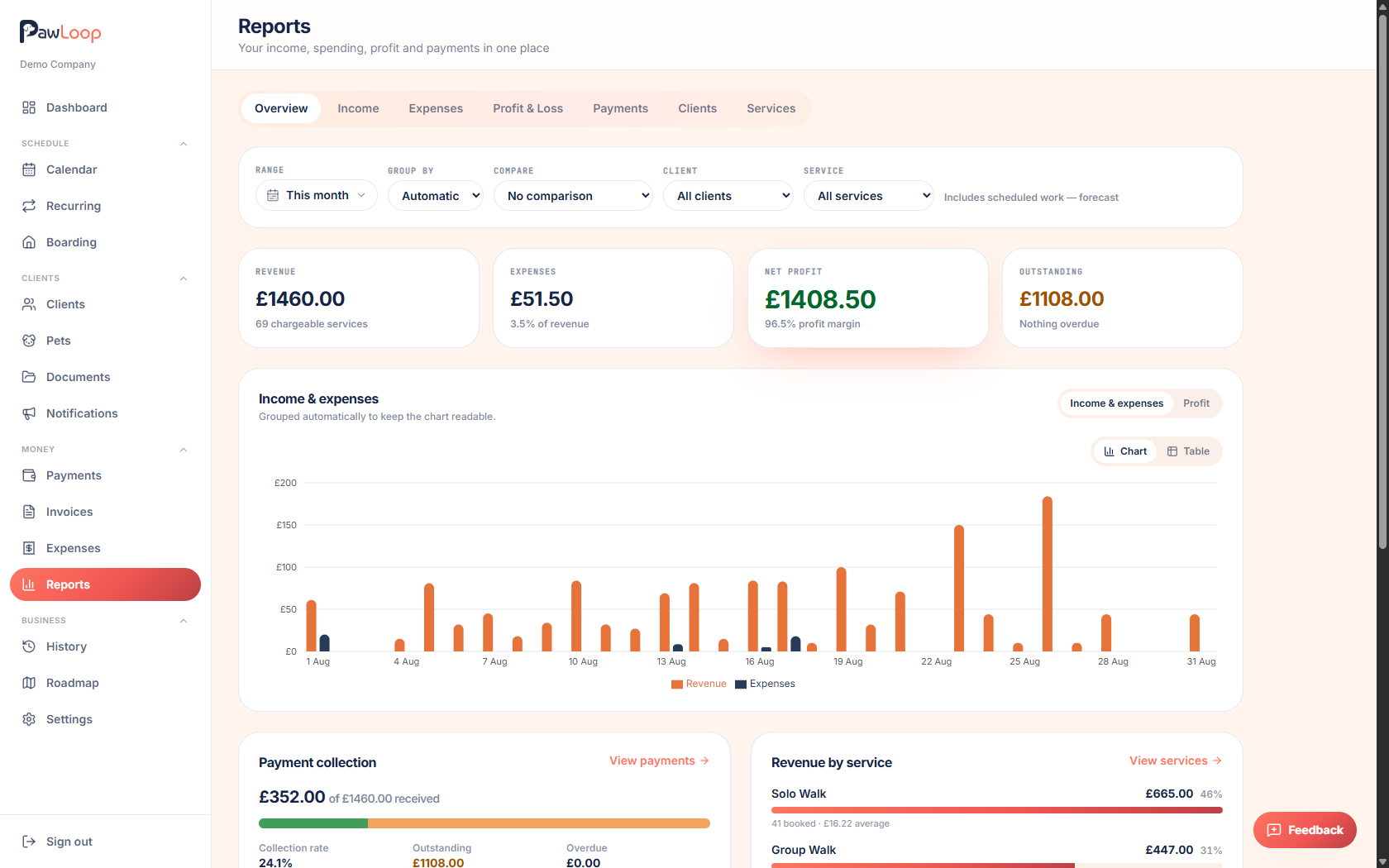
Each add-on keeps the price it had when it was added to the booking. Change an add-on's fee later and existing bookings keep their agreed price, while new bookings use the new one. Add-on fees are part of the booking's normal total, so reports, payments, deposits and VAT work exactly as before.
Add-ons questions, answered
Create your free PawLoop account today.
Sign up in minutes and try every feature free. PawLoop starts with a 14-day free trial. Every feature included and no payment card required to sign up. Choose a plan when your trial ends.
Start free trialNo spam. No card. Just a free pass to try PawLoop.