What's new in PawLoop: 7 to 13 September
A heavy week on the day to day. Automatic billing is now out of beta and available to everyone, the week calendar has been rebuilt to be readable at a glance, deposits and team leave are both in beta, and invoicing got a lot quicker from the unbilled list.
Automatic billing is out of beta
Available to every business
Turn it on from Settings, Money, Automatic billing. Pick your billing day and frequency, then choose whether invoices are left in Drafts for checking or sent out automatically.

Try it before you trust it
A dry run lists every active client and shows who would be invoiced and why anyone is skipped, without creating anything. You can also trigger a real run yourself at any time.
Full run history
Every run is logged client by client, with what happened, whether it finished, and when the next check is due.
Branded invoice PDF
The PDF now matches the invoice you see on screen, with your logo or business name, status stamp and clean layout.
The week calendar, rebuilt
3, 5 and 7 day views
Pick how much of the week you see at once. The new views use proper side by side columns with correct start and end times, and no odd gaps on overlapping bookings.
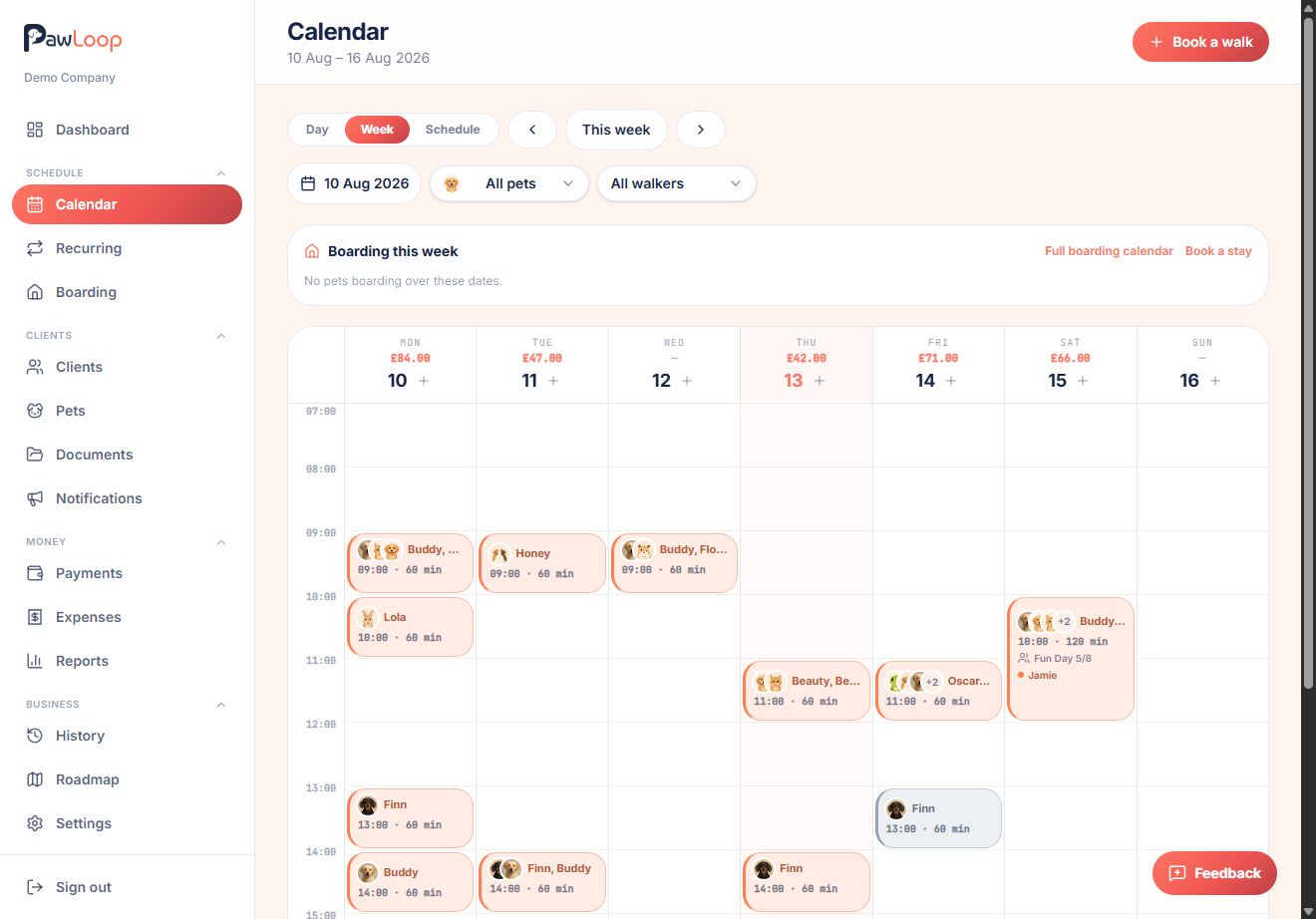
Clearer at a glance
Stronger team colours, clearer pet names, and consistent card hierarchy mean a busy day is still readable.
Boarding this week as bars
Boarding stays now show as timeline bars alongside walks, so you can see the whole week in one view.
Deposits (beta)
Deposit rules
Set percentage or fixed deposit rules per service and for boarding, with a due window from when the deposit is created.
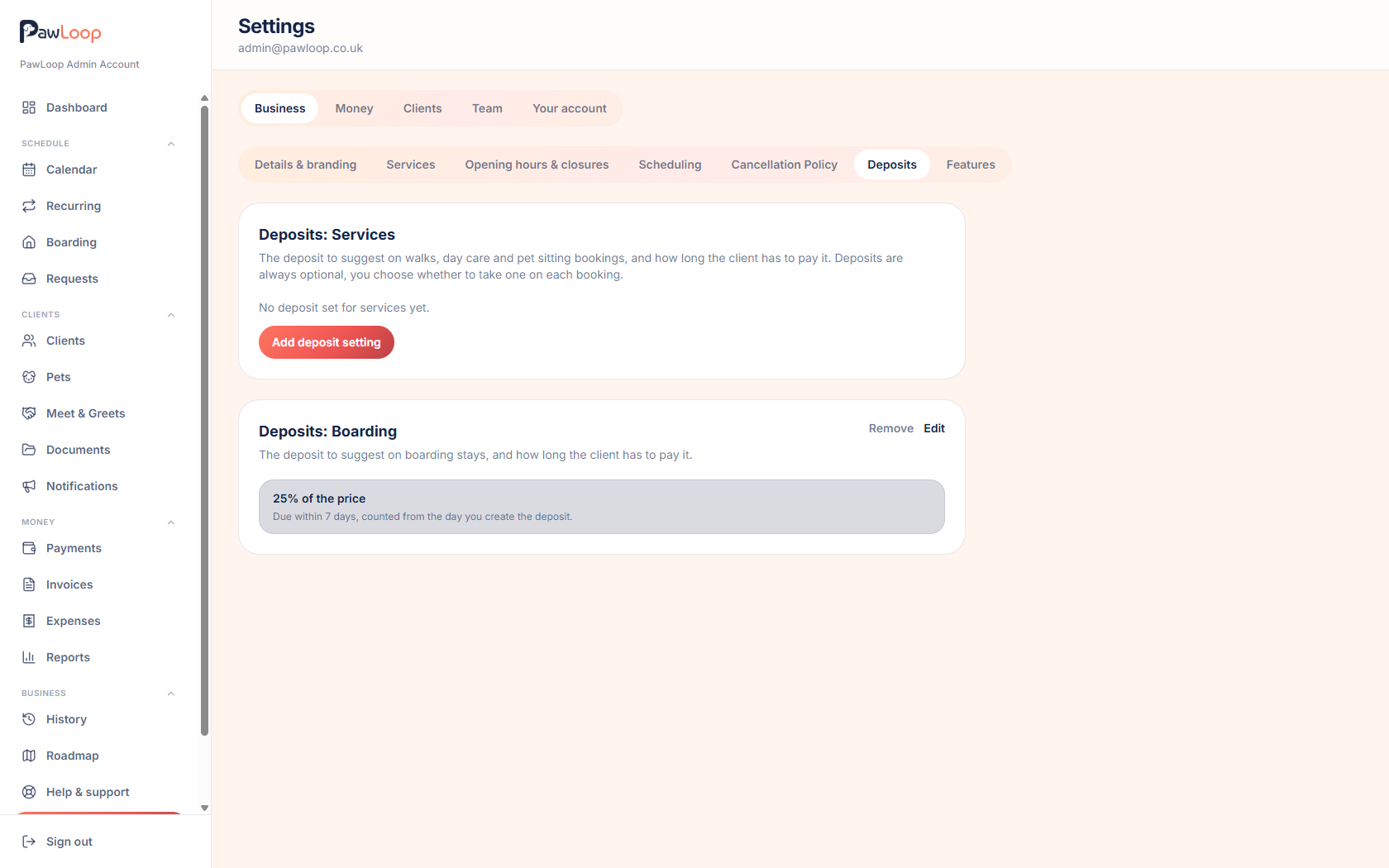
Take and edit deposits
Add a deposit when you create a booking, edit the amount and due date, and raise a deposit only invoice.
Paid deposits come off the final invoice
Once a deposit invoice is paid, it is deducted from the final invoice automatically. Voided deposit invoices can be reissued.
Track them in Payments
A new Deposits tab shows what is outstanding, paid or voided, with status filters.
Join the beta
Deposits are in beta. If you would like early access, get in touch through the chat or email hello@pawloophq.com.
Team leave (beta)
Request and approve time off
Team members can request leave, and approvers can accept or decline with a few clicks. You can see which bookings are affected before deciding.

Arrange cover or reassign
Leave never moves or cancels bookings automatically, but you can arrange cover or reassign affected walks from the leave detail view.
Visible on the calendar
Approved leave appears on the calendar so you can plan around it.
Join the beta
Team leave is in beta. If you would like early access, get in touch through the chat or email hello@pawloophq.com.
Walks, day to day
Start and end walk times
Start and end a walk from today's schedule and a live timer runs until you mark it complete. Times are saved on the booking and visible in the quick view and edit modal.
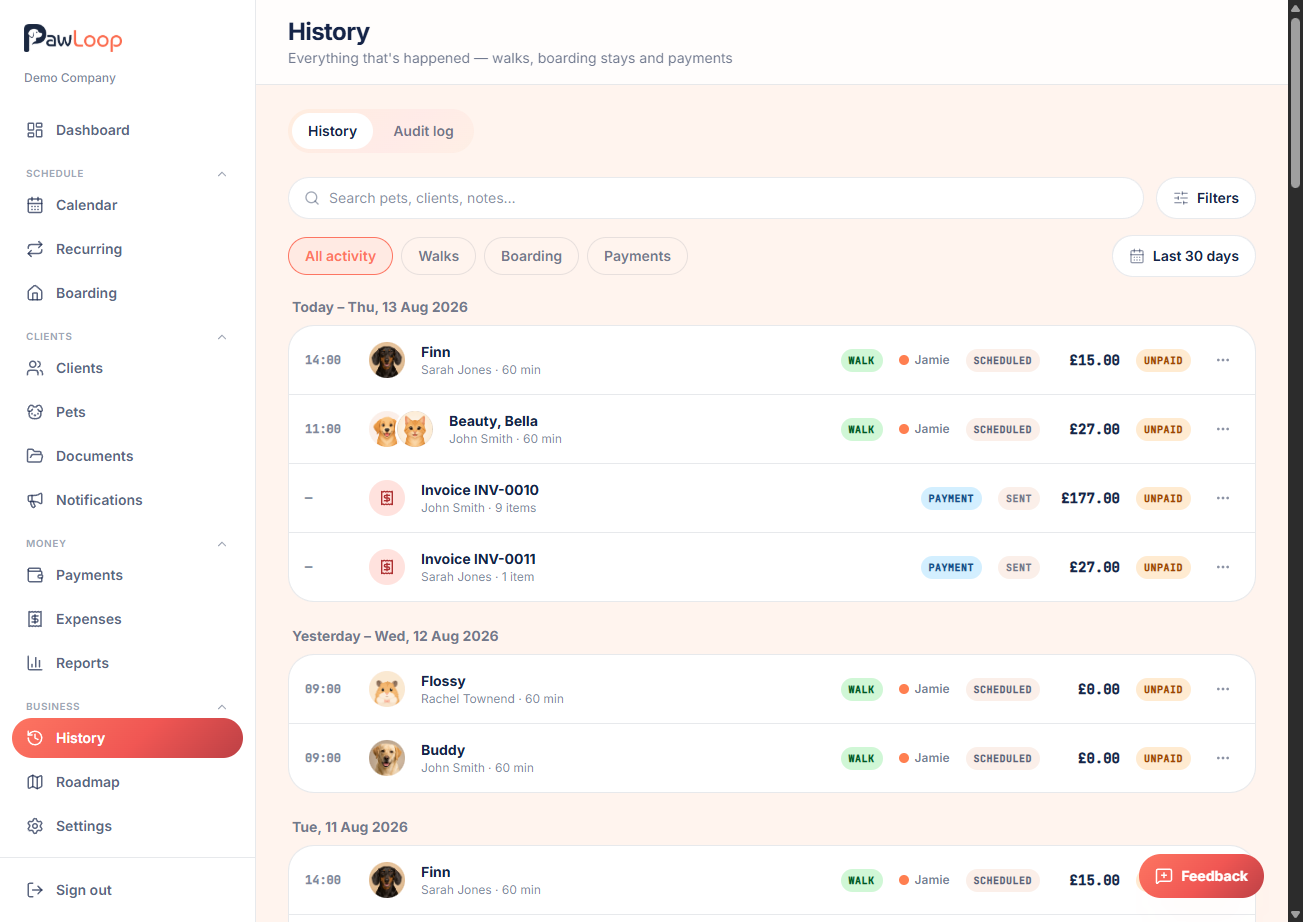
Pick up and drop off
Group walks now have per household pick up and drop off actions. Pick up each household one by one, then mark the whole group dropped off when you are done.
Book several dates at once
When you create a walk, you can add multiple dates and times for the same client, pets and service in one go.
Recurring stays safe
Recurring rebuilds now start from tomorrow, so invoiced walks are never disturbed. Walks on non void invoices can no longer be deleted.
Money and invoicing
Unbilled work widget
A new widget above today's schedule shows how much unbilled work is waiting and who it belongs to.
Bulk generate invoices
Select multiple clients from the unbilled list and generate draft invoices in one action, with feedback as each one completes.
Share an invoice by link
Create a secure shareable link for any invoice so you can send it however the client prefers.
Cleaner dates and clearer settings
Invoice dates are shown in DD/MM/YYYY, and the unbilled screen shows when automatic billing is enabled.
Never bill
A new per client setting keeps a client out of reporting and invoicing when you need it.
Team, roles and owners
Finer grained roles
Recurring, requests and meet and greets now have their own permissions, so you can give staff exactly the access they need.
View as a team member
Owners can switch to see PawLoop as any team member, so you know exactly what they can and cannot do.
Smarter setup assistance
The dashboard setup card now only appears for the owner, and only when it is genuinely useful.
Guides, video and polish
Video guides pages
New public video guide pages, a super admin manager to publish them, and an announcement email that always uses the three newest videos.
Tidier forms and modals
Cleaner client and pet forms, icons inside fields, and consistent modal styling across the app.
Better on mobile
Expenses and reports have been tightened up for smaller screens, and the client profile billing widgets now sit in a single row on phones.
Fixes
Upcoming walks order
Upcoming walks on the client page and portal now show in the right order, with past walks listed separately.
Read only roles
Client records now load correctly for custom roles that only have read access.
Setup checklist
Schedule your first walk no longer shows as outstanding once walks exist.
Signup review
The first service no longer disappears from the signup review step.
More next week. If there is something you would like to see in PawLoop, get in touch through the chat or email hello@pawloophq.com.
Create free account. No card required →Create your free PawLoop account today.
Sign up in minutes and try every feature free. PawLoop starts with a 14-day free trial. Every feature included and no payment card required to sign up. Choose a plan when your trial ends.
Start free trialNo spam. No card. Just a free pass to try PawLoop.